
Features
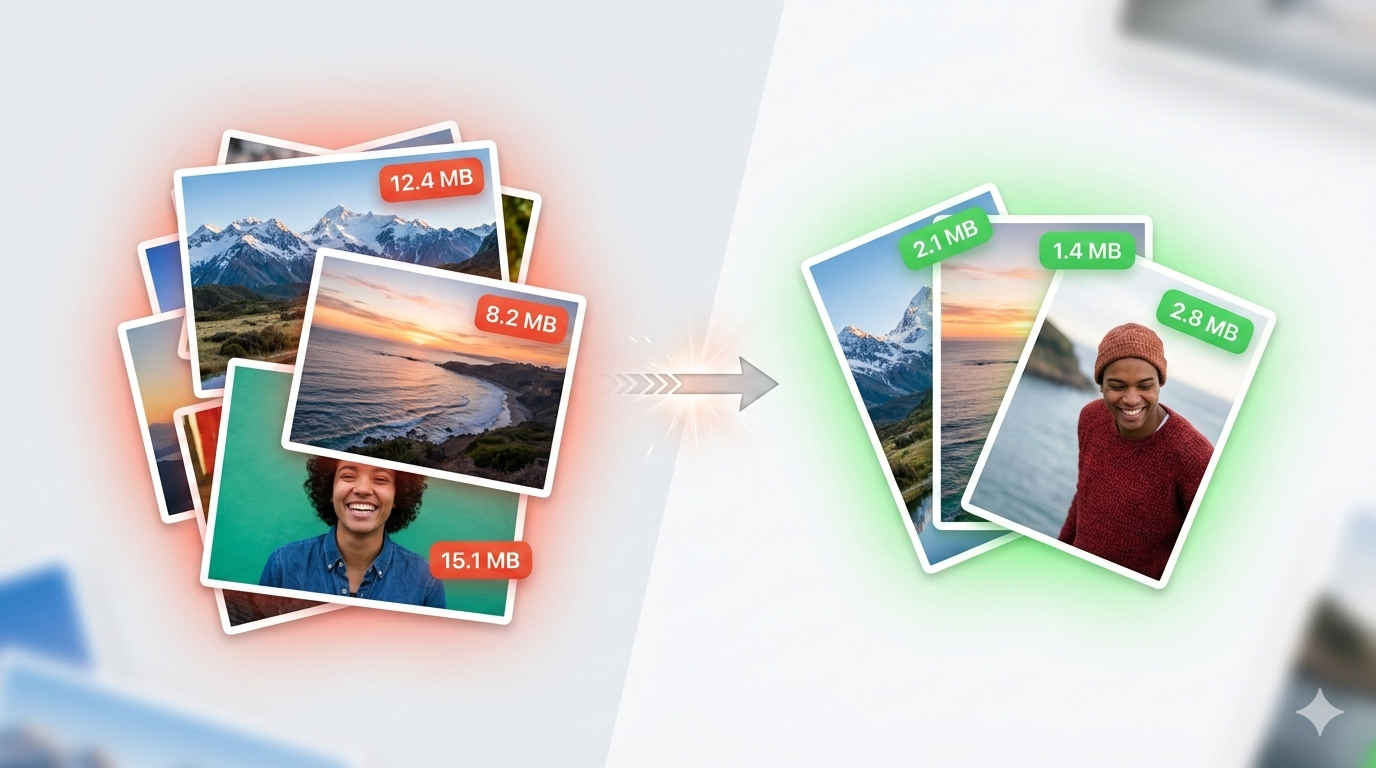
Massive Size Reduction
Reduce image file sizes by up to 80% using advanced compression algorithms while preserving visual quality.
Strip Metadata
Remove EXIF data, GPS coordinates, camera info, and other metadata to protect your privacy and reduce file size.
Batch Processing
Drag and drop multiple images at once. Process entire folders of images in seconds with progress tracking.
Quality Control
Fine-tune compression quality with an intuitive slider. Preview results before saving to find the perfect balance.
Format Conversion
Convert between JPEG, PNG, HEIC, and WebP formats. Choose the best format for your needs.
Safe Processing
Create optimized copies by default, keeping your originals safe. Optional in-place replacement for power users.
Advanced Compression Engines
SlimPix uses industry-leading open-source compression libraries
🚀 MozJPEG
Mozilla's optimized JPEG encoder produces files 5-10% smaller than standard encoders with no quality loss. Uses advanced Huffman table optimization and progressive encoding.
✨ Zopfli
Google's Zopfli algorithm creates the smallest possible PNG files. Takes longer but achieves 3-8% better compression than standard deflate - completely lossless.
🍎 Native Encoders
Fall back to Apple's built-in encoders for maximum speed when you need quick results. Full support for HEIC and WebP formats.
How It Works
Drop Images
Drag and drop images onto SlimPix. Supports JPEG, PNG, HEIC, and WebP formats.
Adjust Settings
Set your preferred quality level, choose output format, and toggle metadata stripping.
Optimize
Click optimize and watch your images shrink. See exactly how much space you saved.
Perfect For
🌐 Web Developers
Optimize images for faster page loads and better Core Web Vitals scores.
📸 Photographers
Prepare images for web galleries or client delivery without sacrificing quality.
📧 Email & Messaging
Compress photos before sending to avoid attachment size limits.
☁️ Cloud Storage
Reduce your storage footprint and save on cloud storage costs.
Requirements
- macOS 15.0 or later
- Apple Silicon or Intel Mac
- No internet required
Support
Contact
Questions or feedback? Email us at walter.tengler@gmail.com
Open Source
SlimPix uses open-source compression libraries: MozJPEG (BSD), Zopfli (Apache 2.0). All processing happens locally on your Mac.