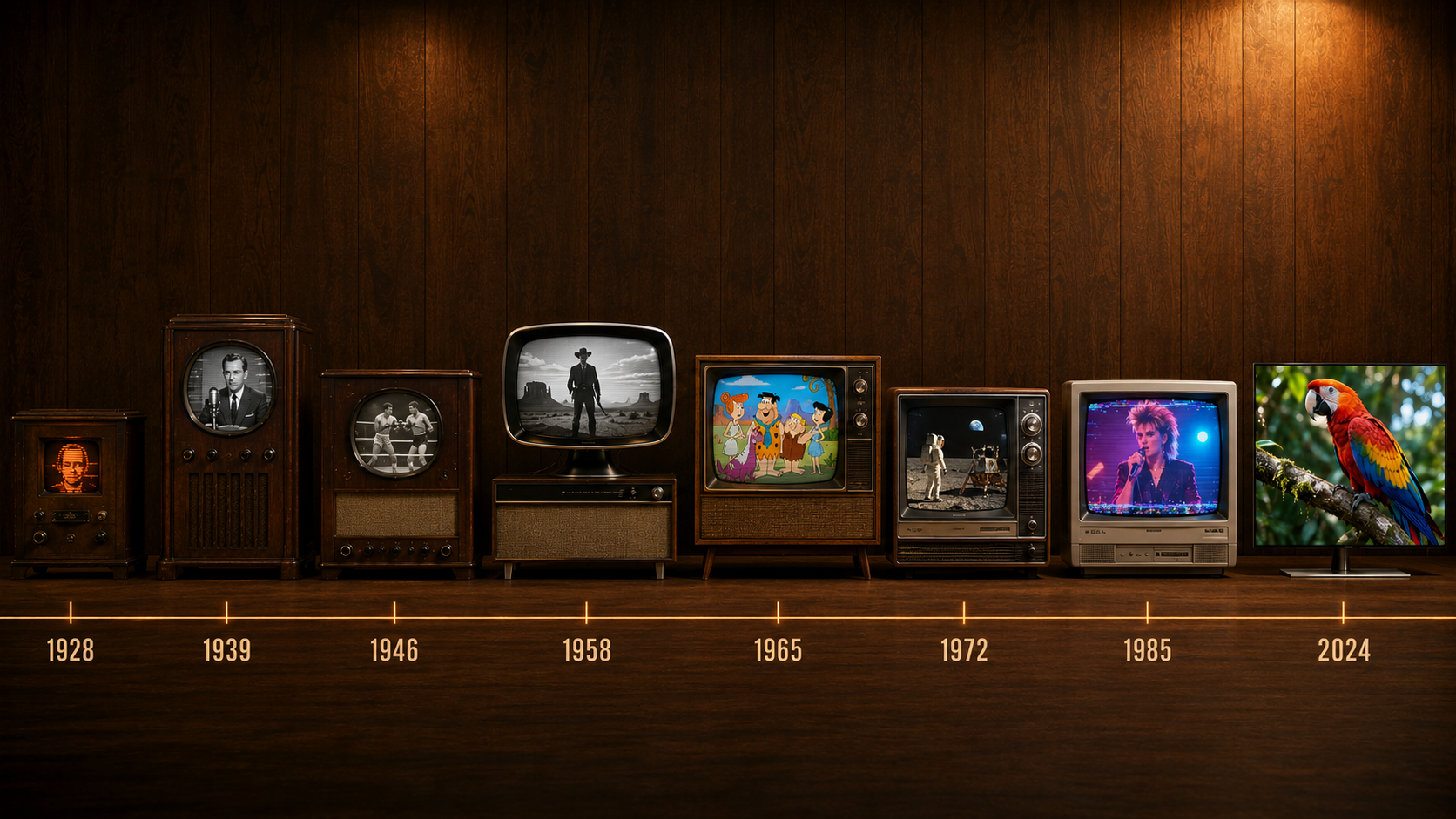
Eight televisions, one century
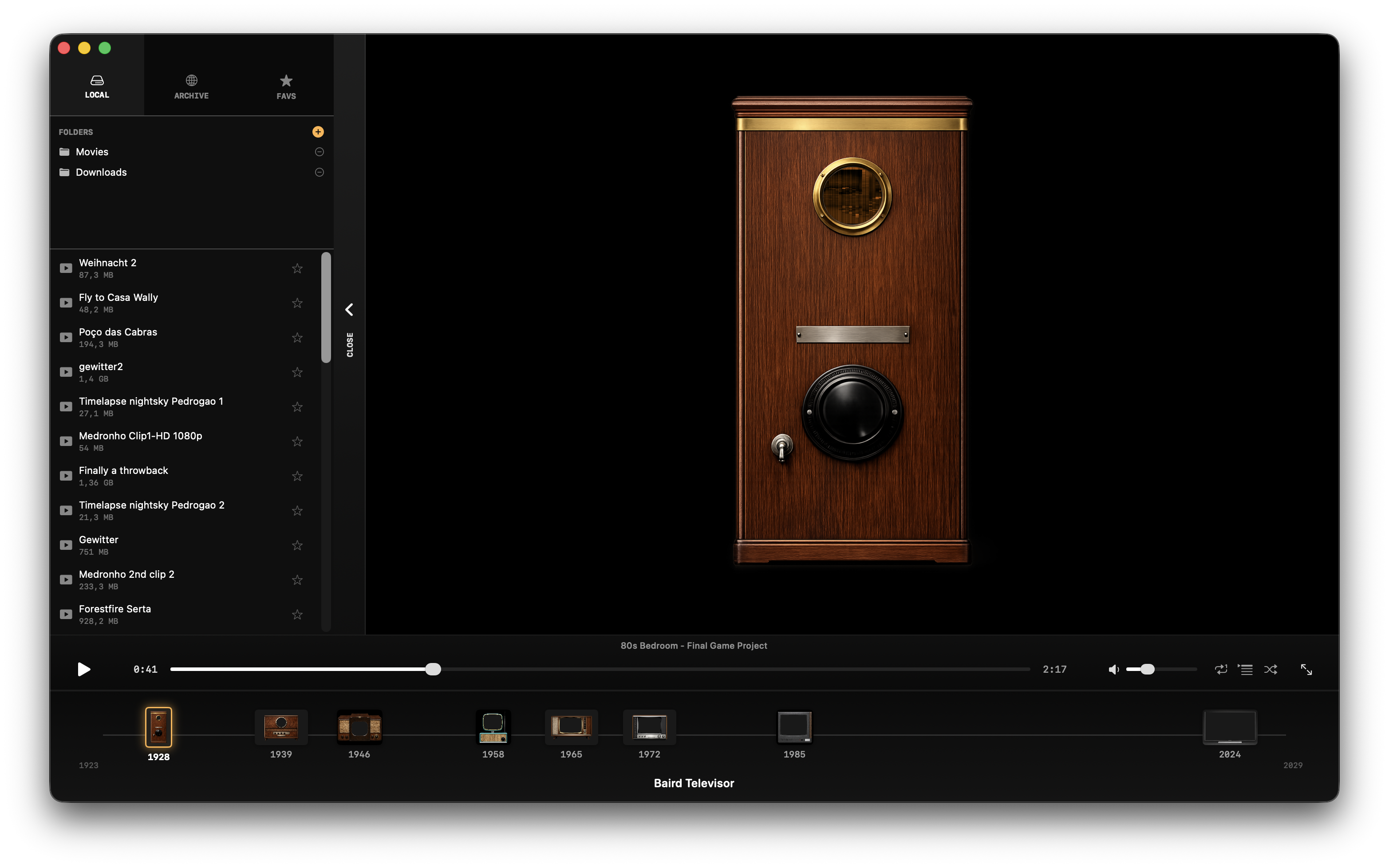
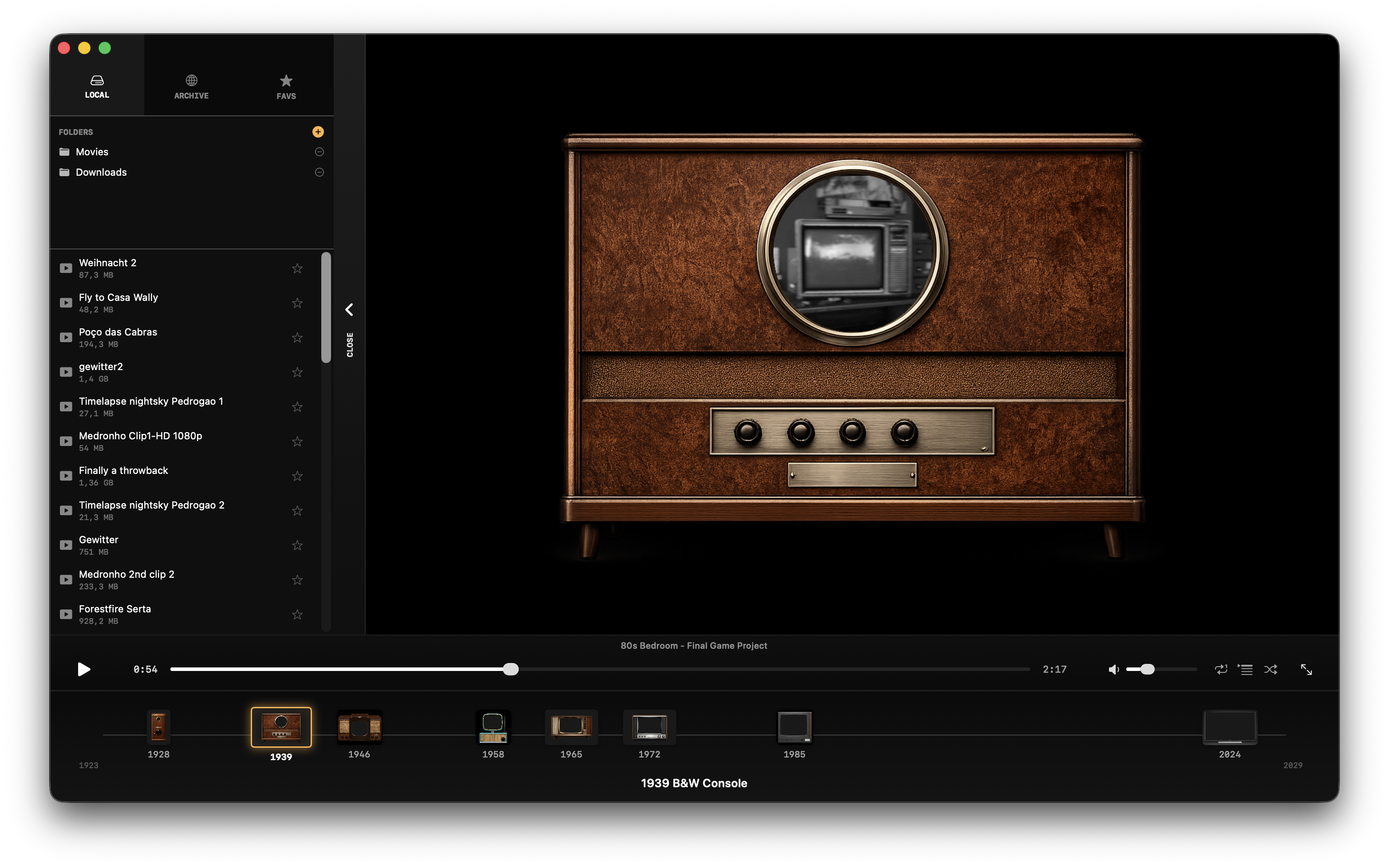
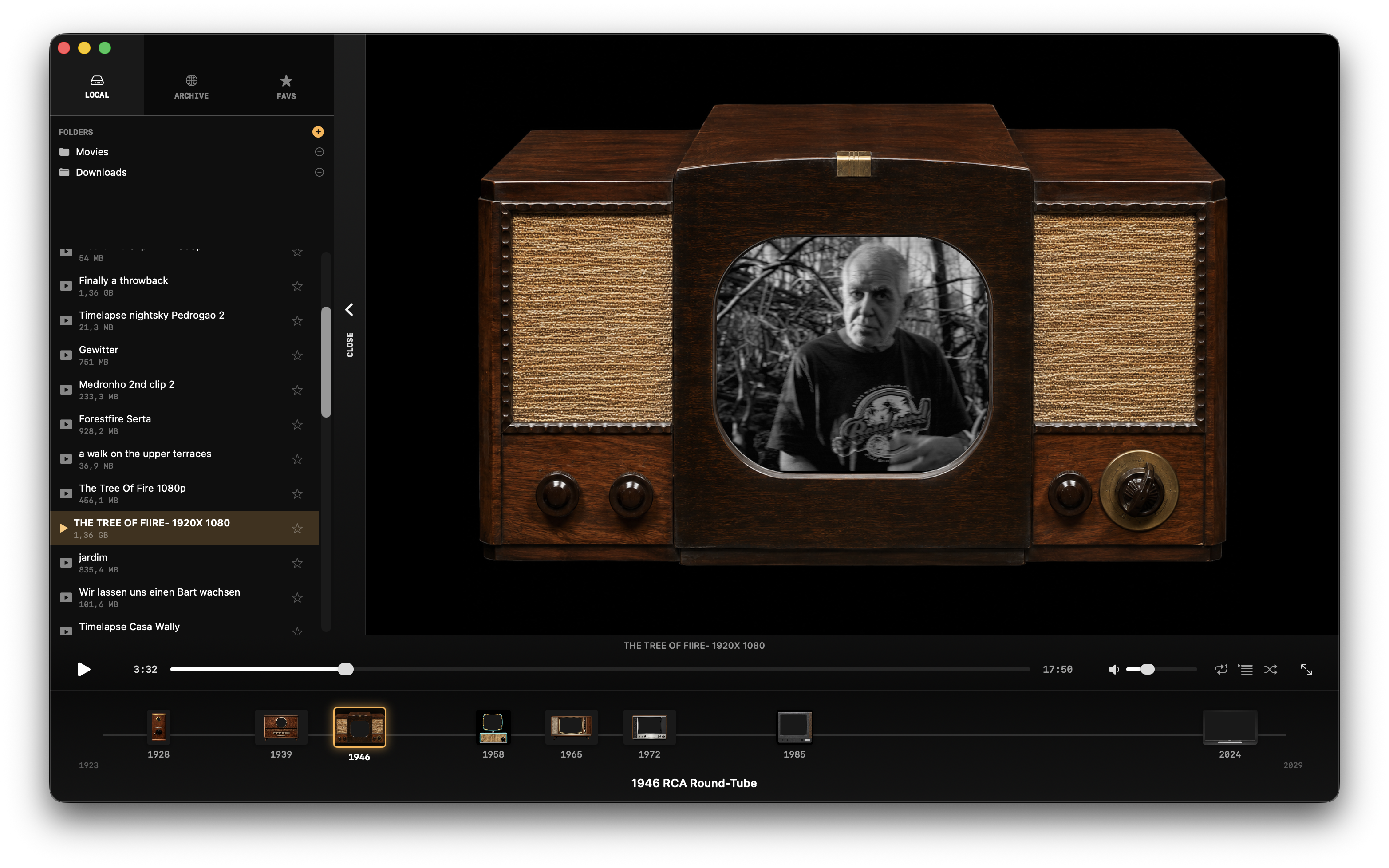
Each era plays your video through the right signal model and CRT for that decade. Click a TV in the app's bottom timeline to switch.
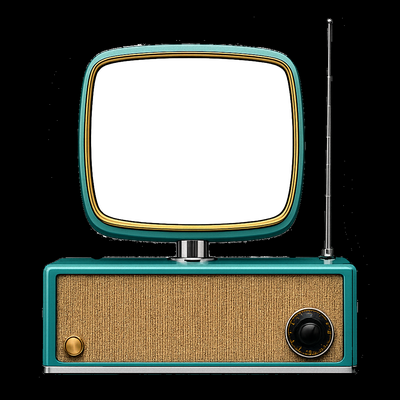
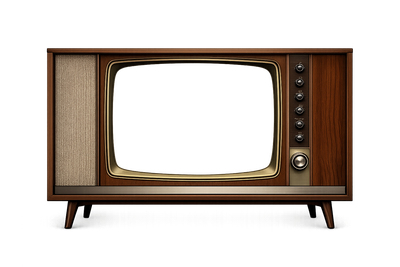
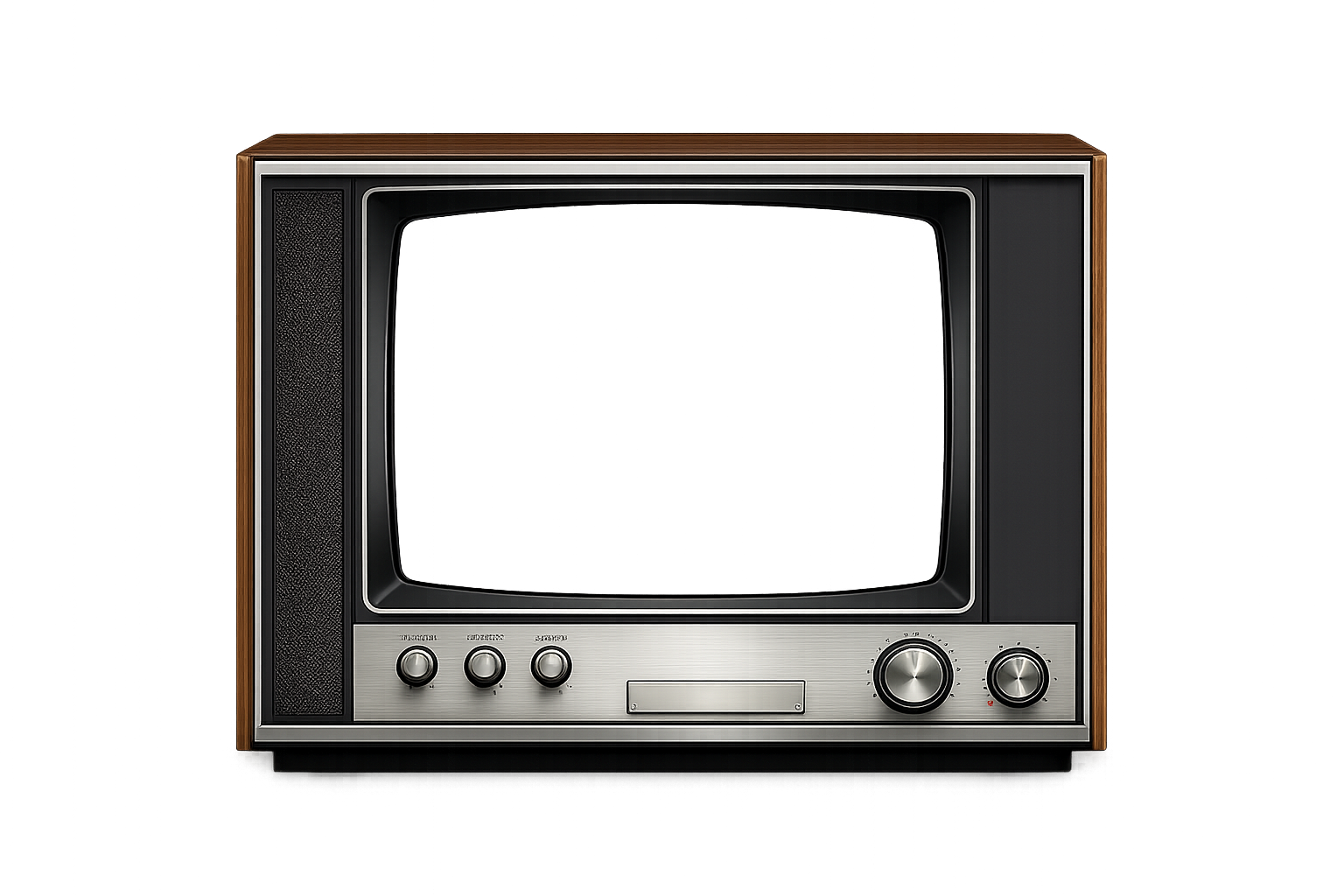
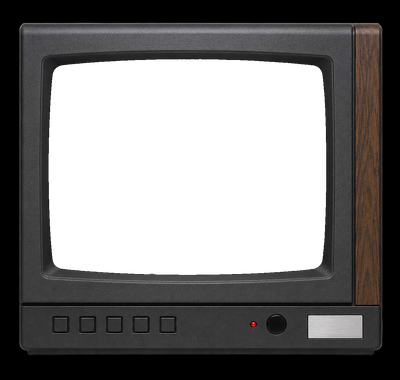
Screenshots
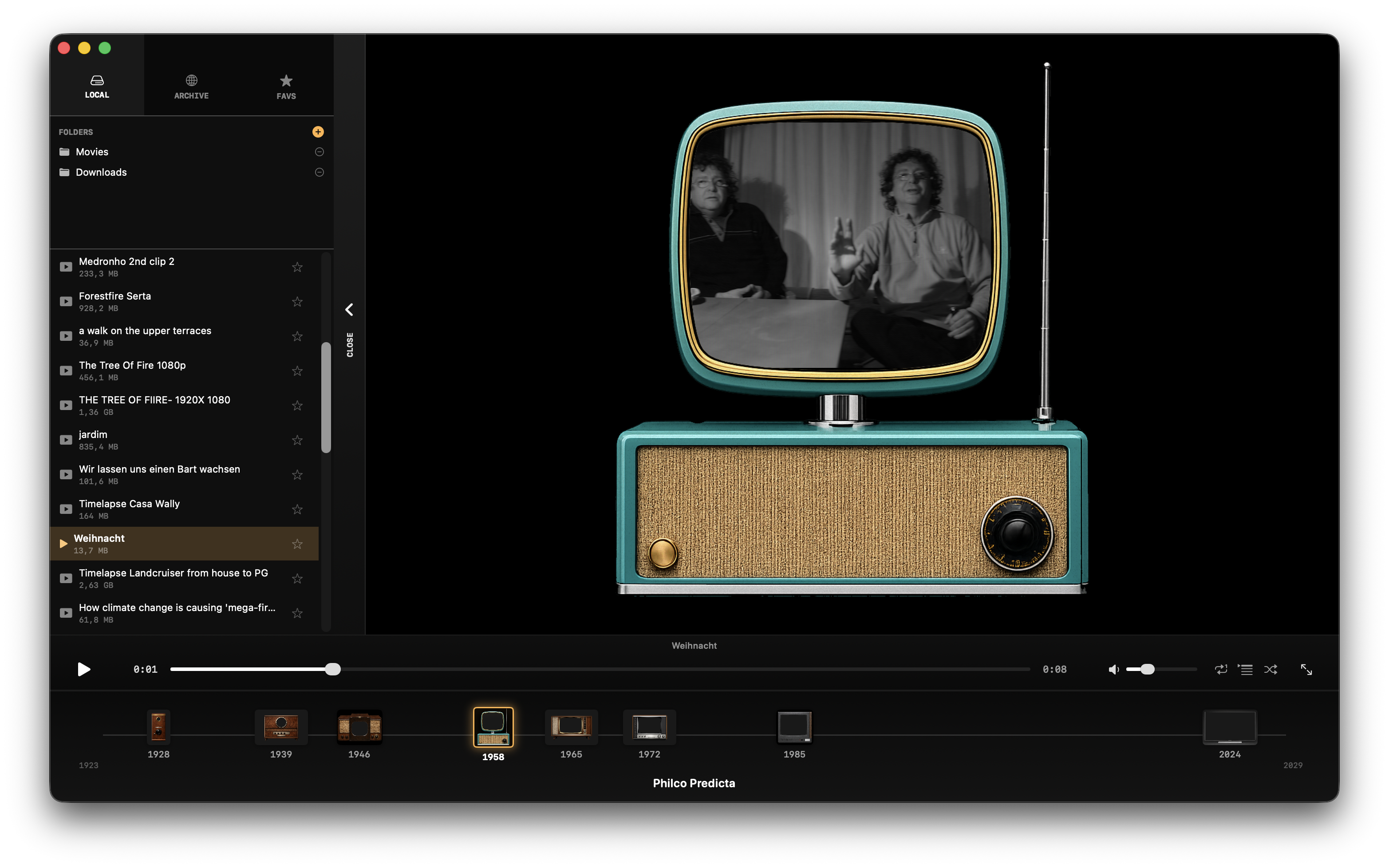
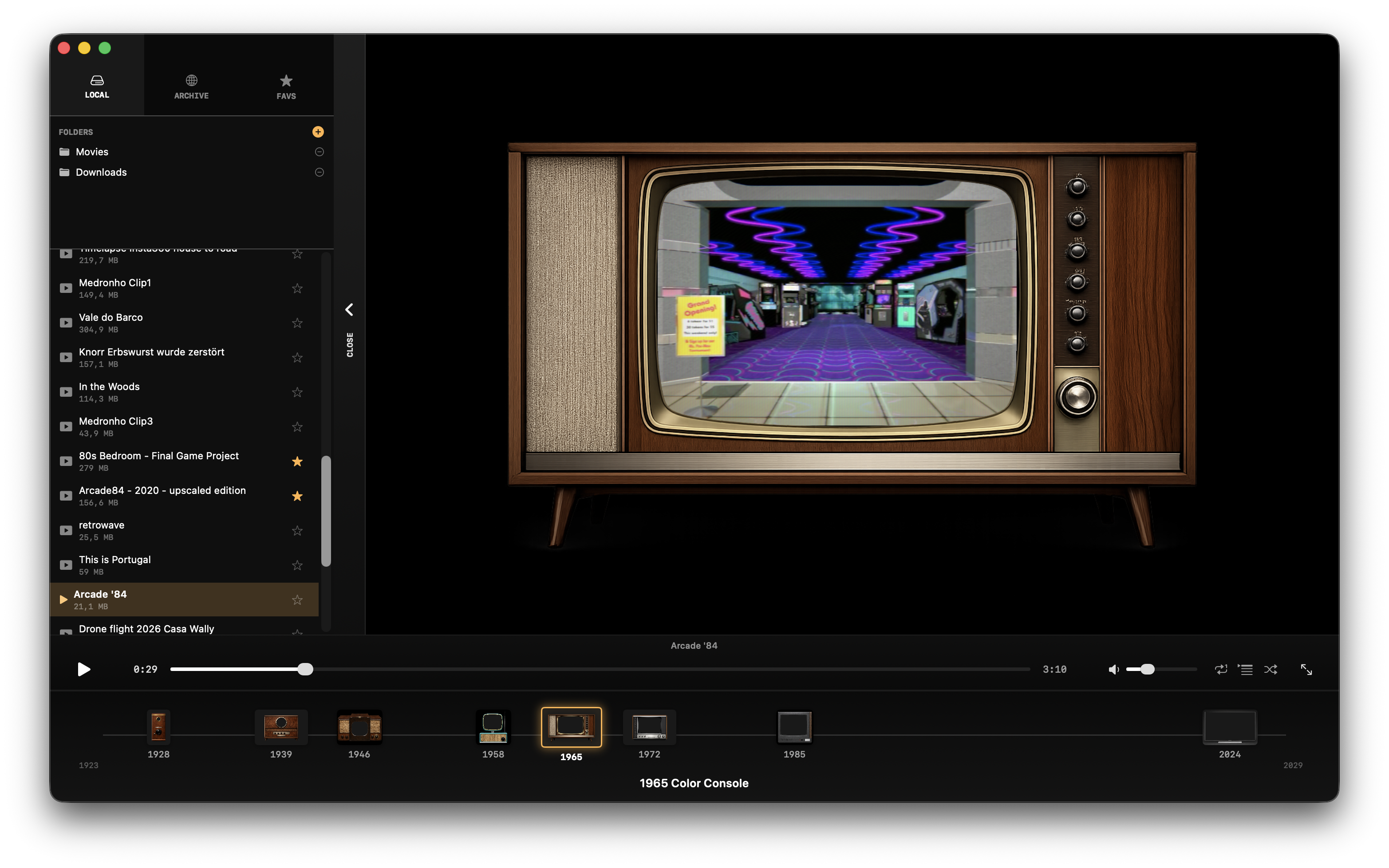
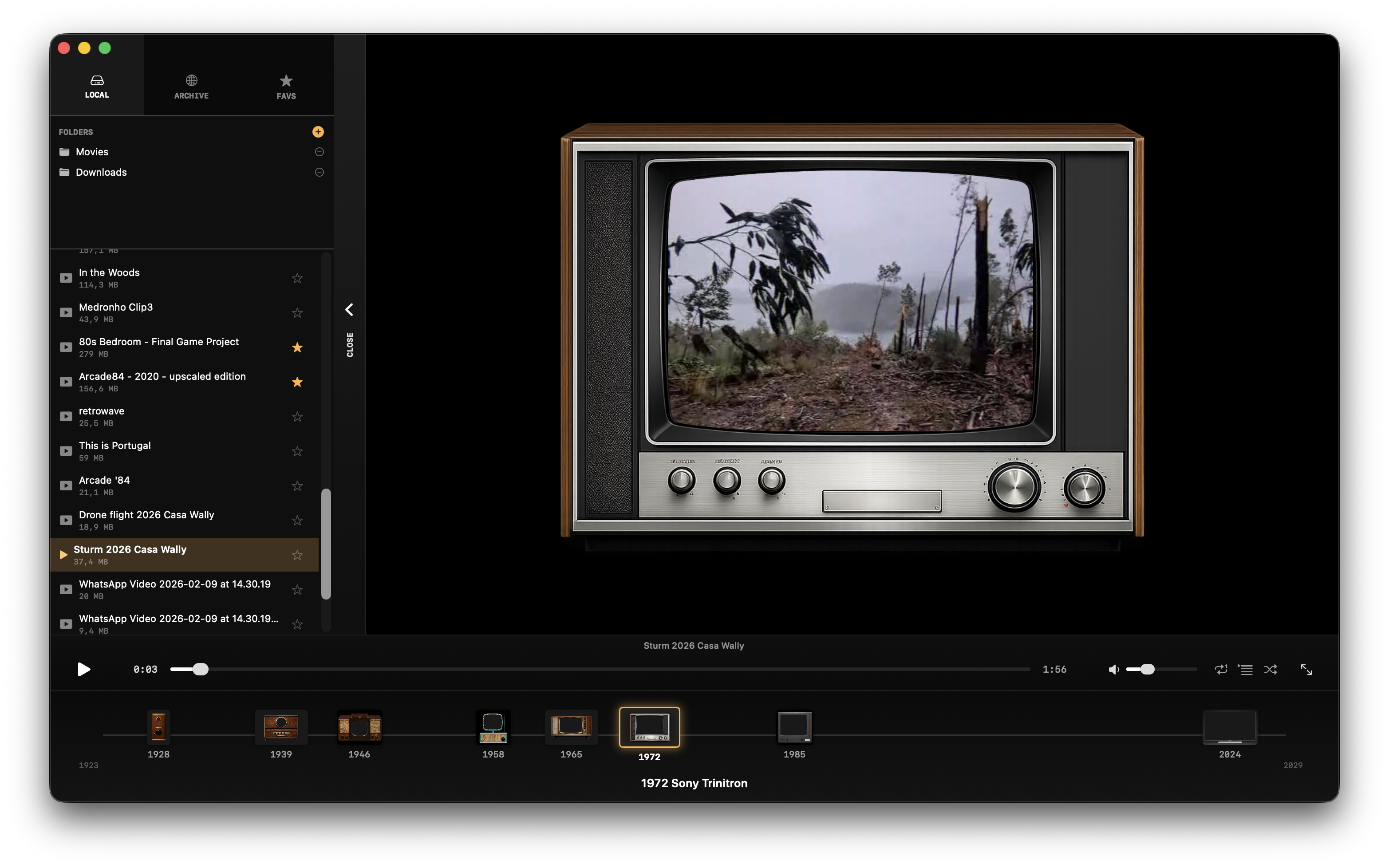
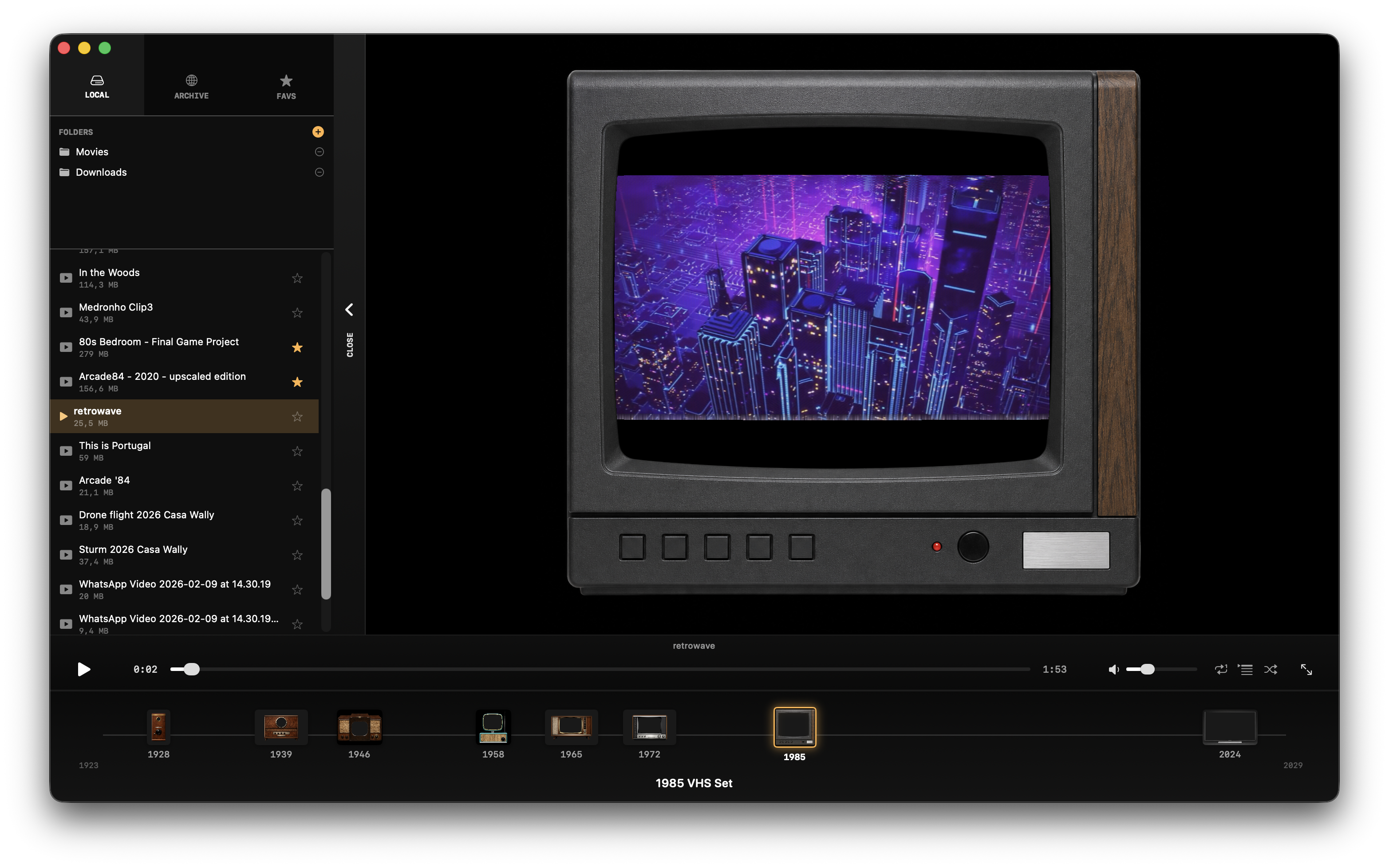
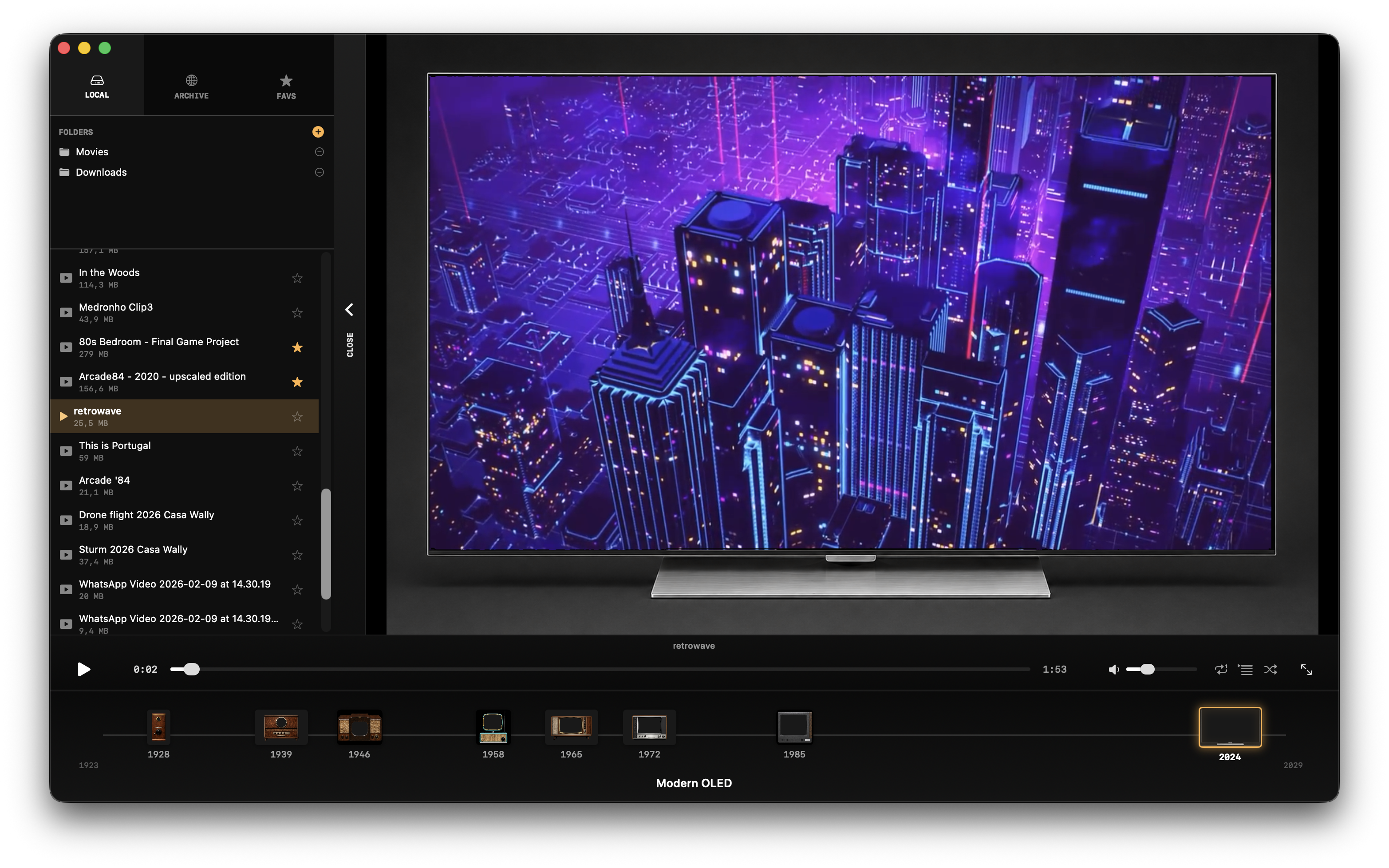
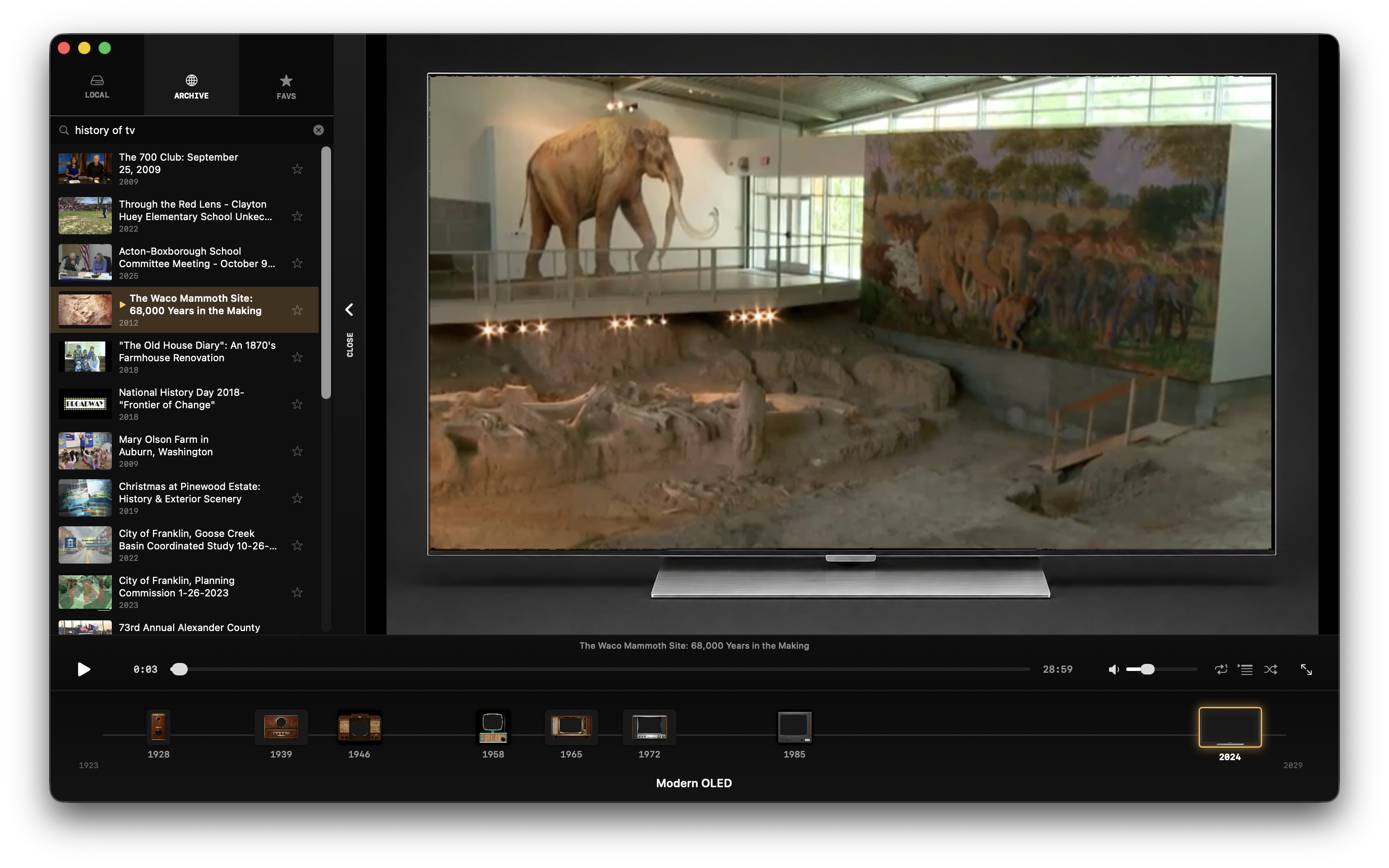
What it looks like in action.
What it does
Six eras, signal-accurate
From the 30-line mechanical scan of 1928 to the near-perfect picture of a 2024 OLED. Each era runs your video through a per-decade signal model (NTSC, VHS chroma, MPEG-2, passthrough) and a CRT display shader with the right scanlines, phosphor mask, beam glow and barrel curvature.
Photographic bezels
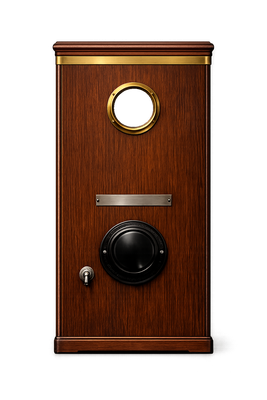
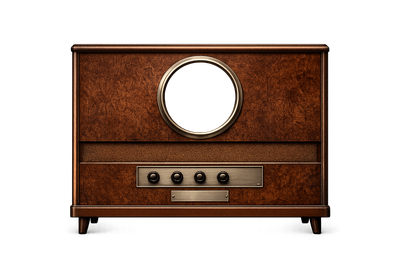
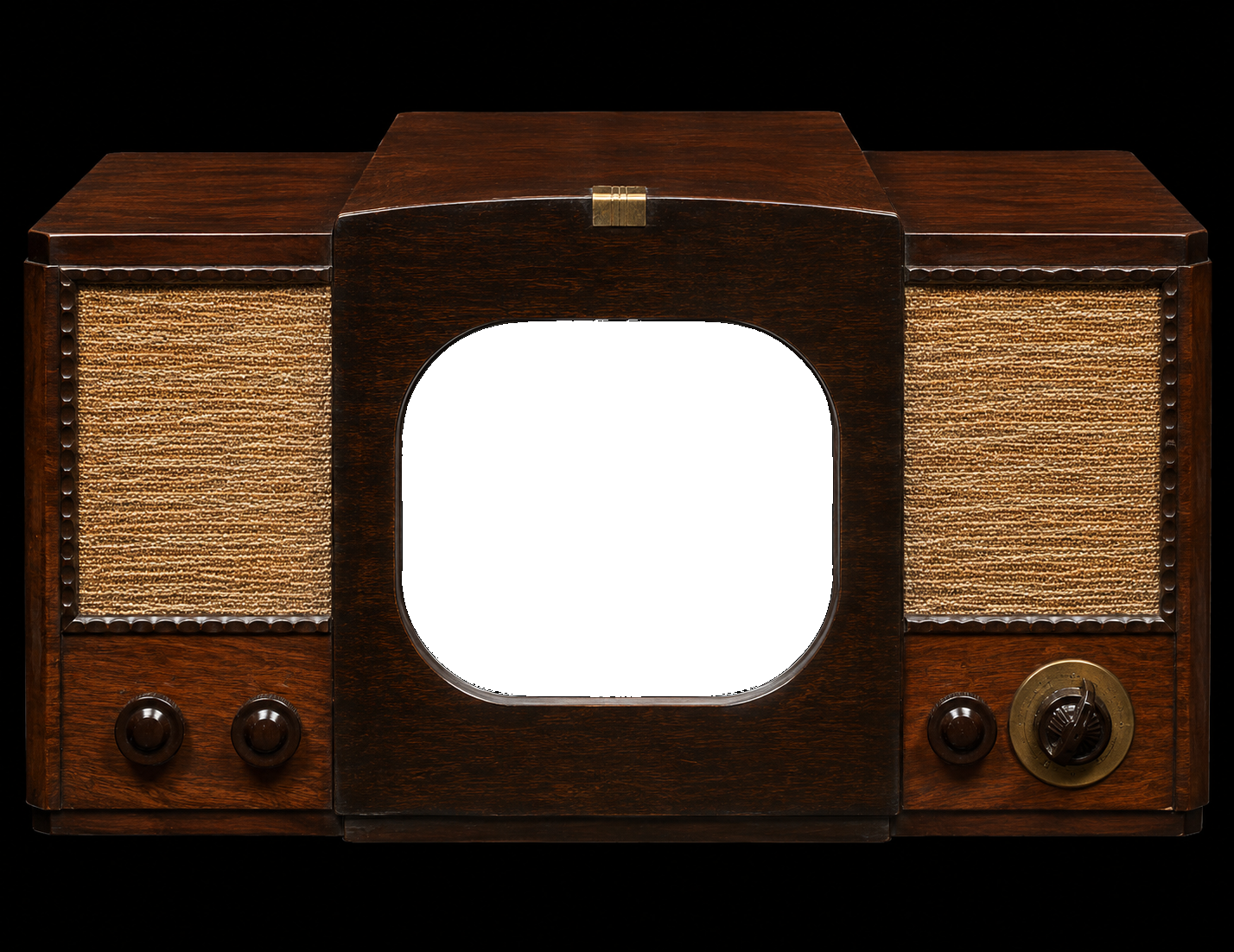
Each TV is a real photograph or render — the iconic Philco Predicta, a wood-cabinet console, a 1985 plastic cube, a near-frameless OLED. Your video plays inside the screen face with the correct aspect for each set.
Chronological timeline
Switch eras by clicking on a TV in a horizontal timeline at the bottom of the window. Markers sit on the years they belong to — not evenly spaced — so you see television's actual history.
Three sources, one menu
A side menu lets you scan local folders for movies, search the Internet Archive for vintage public-domain footage, or pick from your saved favourites. Click anything to add it as a channel.
Channel surfing
Drop in multiple videos and switch between them like real channels. Keyboard shortcuts, transition animation, relay-click sound effect. The channel number flashes briefly on screen.
Native Mac, Metal-fast
Built in Swift + SwiftUI, with the CRT pipeline running entirely on the GPU via Metal shaders. 60 fps even on M1, regardless of how heavy the era's effect chain is.
Watch it again, the way you remember it.
Get on the Mac App StoreGet in touch
Questions, feedback, bug reports — drop a line.
Walter Tengler
walter.tengler@gmail.com
Moledo, Portugal