] BRUN BITPAST

BITPAST

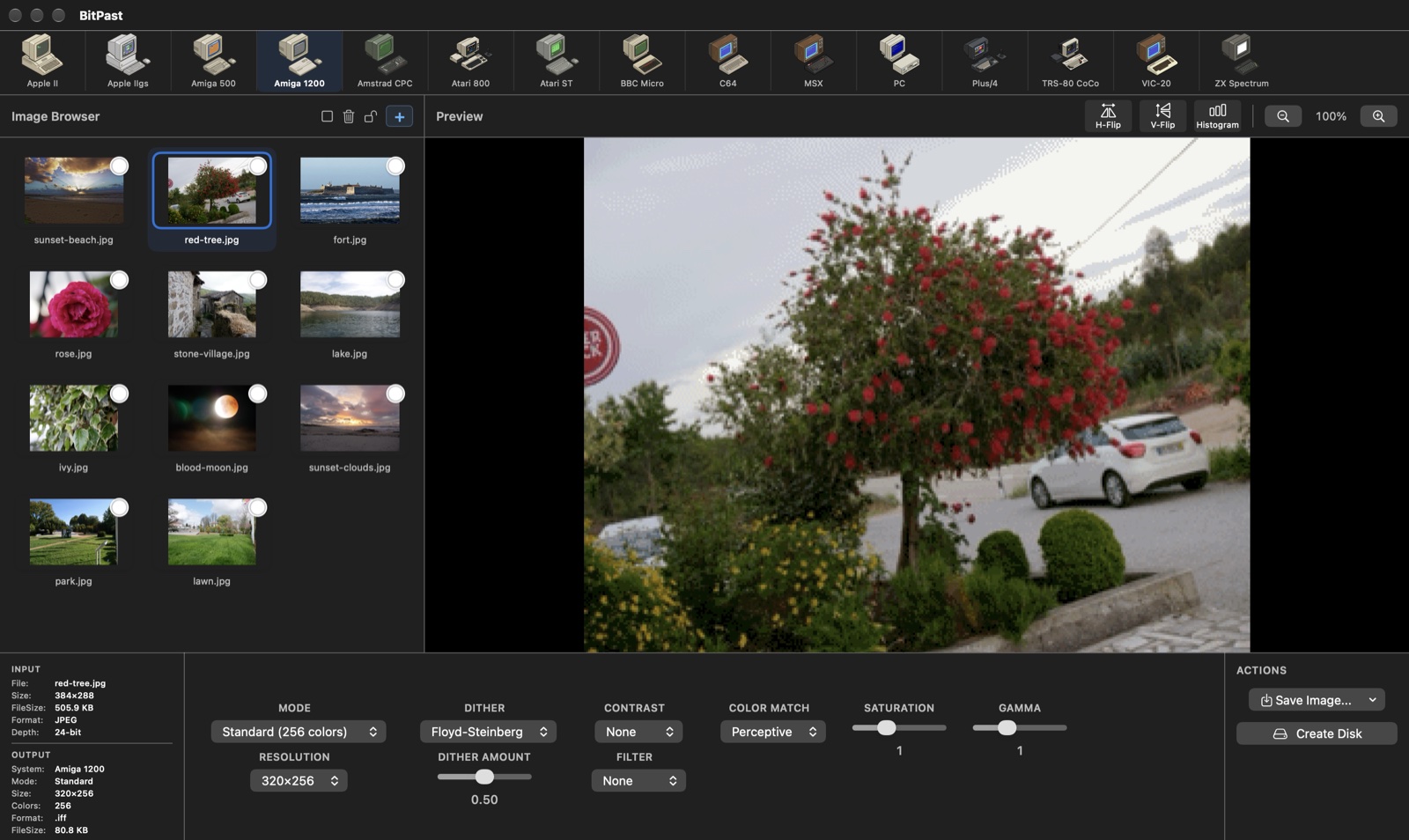
Turn modern pictures into authentic graphics for 15 classic computers - with their real palettes, resolutions, file formats and disk images.

macOS 15.7+ Version 4.6
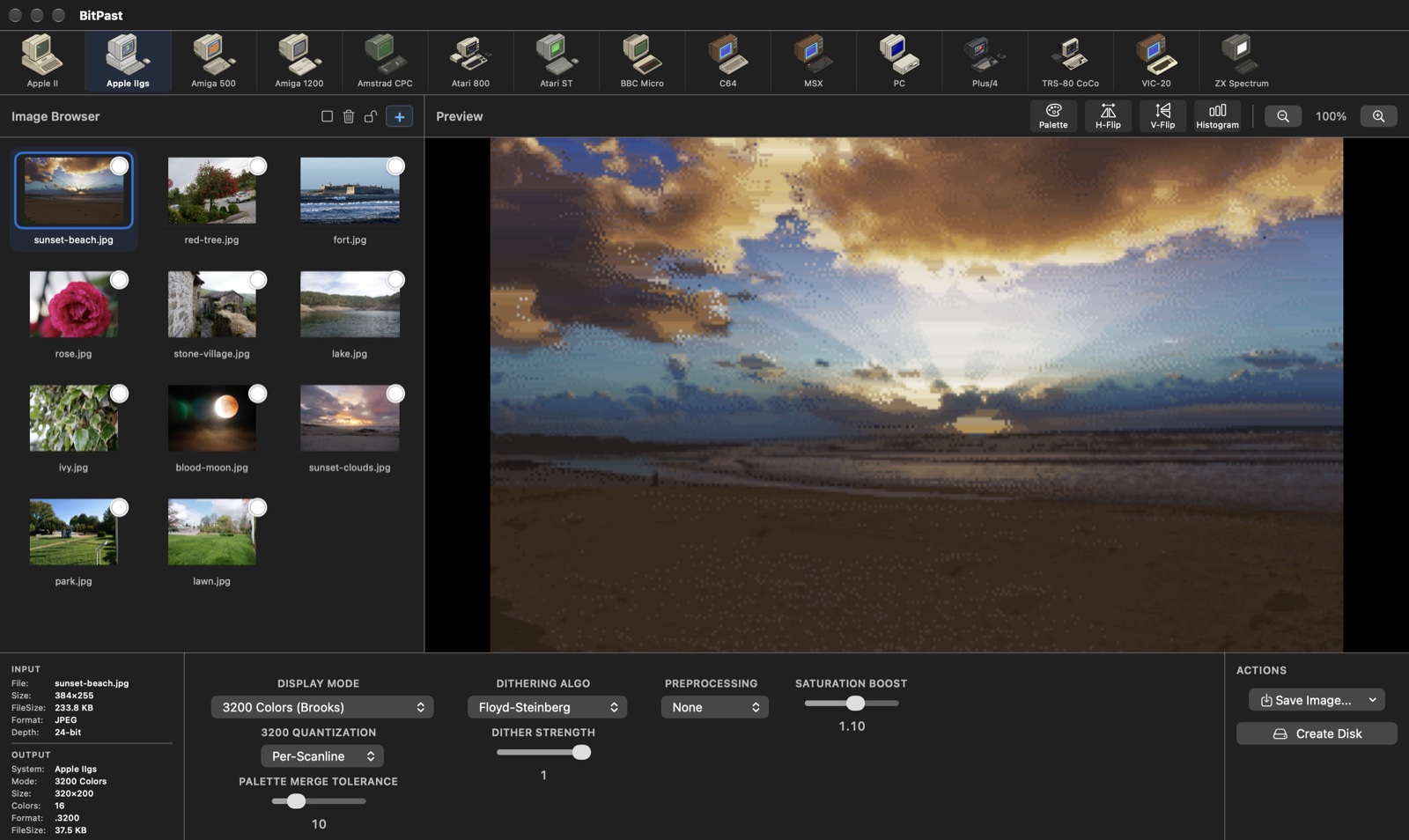
BitPast converting a beach sunset into a 3200-color Apple IIgs picture
15classic computers
3200colors on the Apple IIgs
20+native file formats
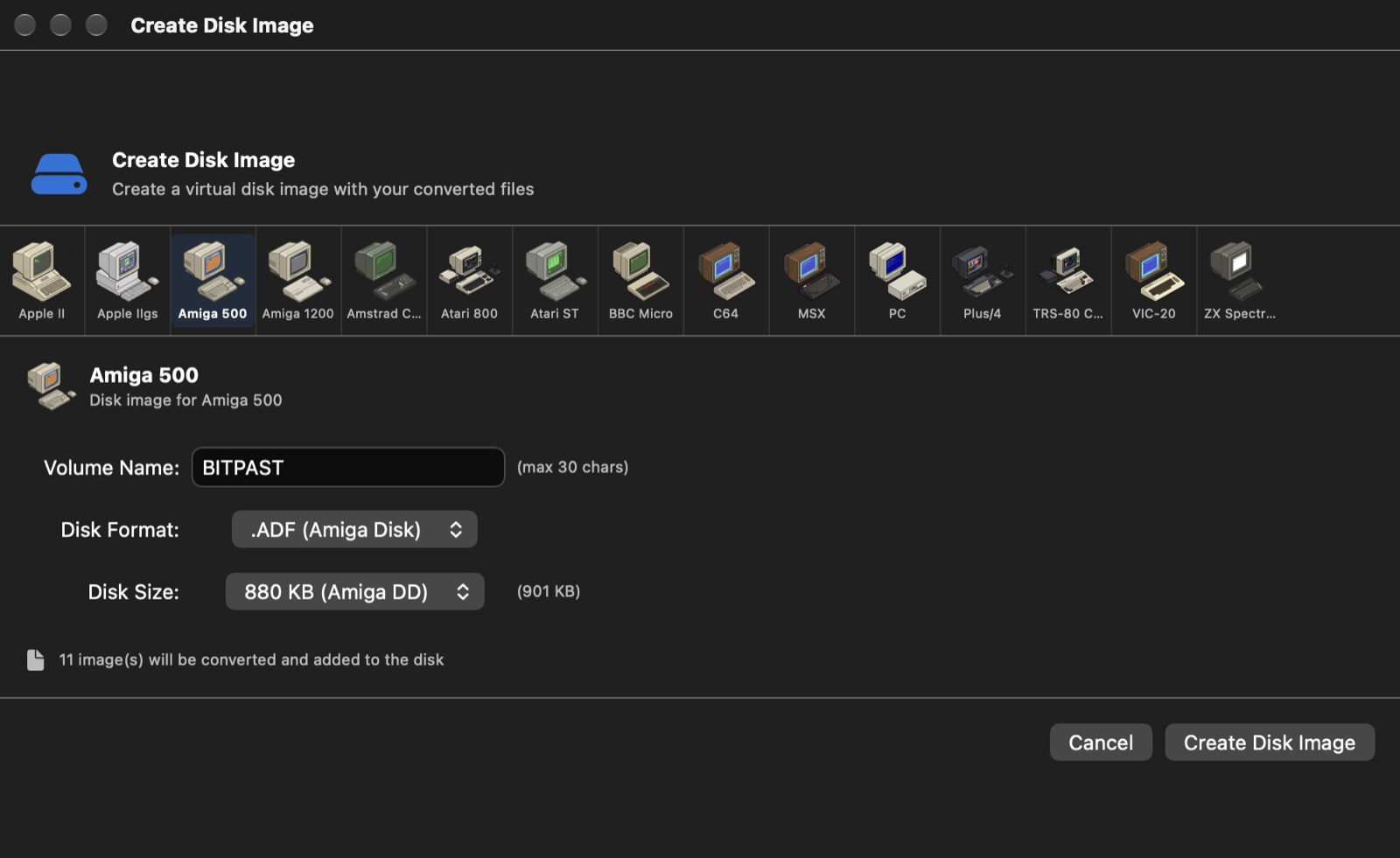
11disk image types

What's New

Version 4.6 lets you choose how a photo fills the screen and brings Per-Line palettes to the Apple IIgs. Version 4.5 brought better colors, disk images that load on real machines, and an app that stays responsive while it works.

whats_new.txt
4.6 - FIT AND ASPECT
  • Fit for every machine: Stretch, Contain (black bars), Cover (crop) or None (no scaling)
  • Aspect: allow for each machine's non-square pixels, so circles stay round
  • Drag the preview to choose which part of the picture shows
4.6 - APPLE IIGS
  • New SCB Mode for 256 colors: Per-Line lets every line pick the best of its 16 palettes
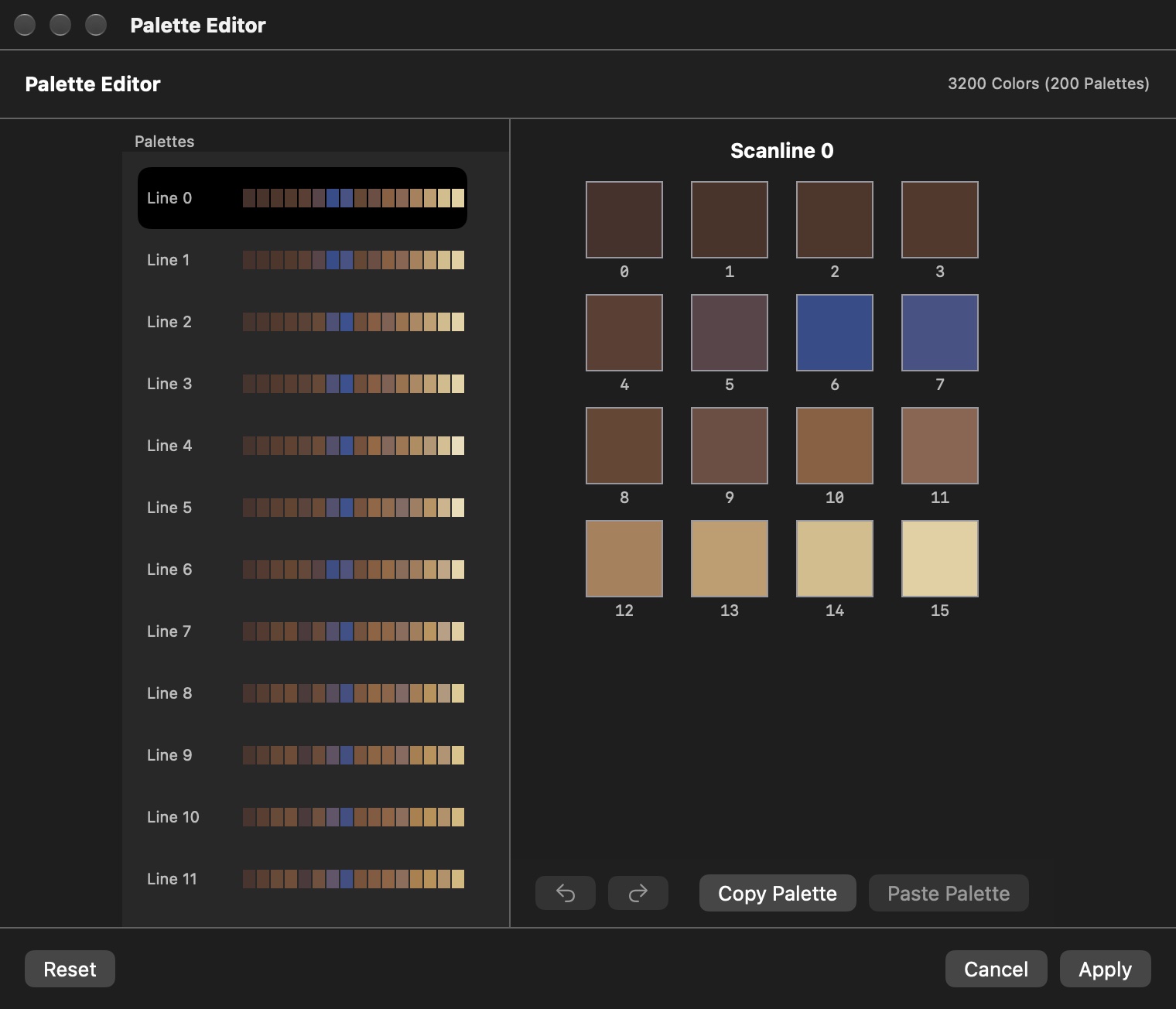
  • Palette editor changes are now saved in the file, in batch exports and on disk images
4.6 - FIXES
  • H-Flip and V-Flip now flip the saved file and disk images too, not just the preview
  • Apple II and IIgs results no longer depend on the attached screens
4.5 - BETTER COLORS
  • Smarter color selection for Atari 800, Atari ST, Amiga 500/1200, PC (EGA 64) and MSX Screen 5 - small details keep their color
  • Atari 800 Graphics 8 uses two shades of one hue, exactly like the real hardware
  • The same picture with the same settings always converts the same way
4.5 - DISK IMAGES
  • New: Spectrum +3 disk images (180 KB .dsk)
  • Fixed BBC Micro, TRS-80 CoCo, Amiga ADF, Atari ATR and ZX Spectrum TRD disks
  • Amstrad CPC files use the correct colors on a real CPC
  • Double-sided CoCo disks and DOS 2.5 for 130 KB Atari disks
4.5 - FASTER AND SMOOTHER
  • Conversions run in the background - the app stays responsive
  • A progress indicator shows while a new picture is calculated
  • Much faster PC 256-color conversion

One Photo, 15 Machines

The same photo, converted with each machine's default settings - exactly as BitPast saves it, shown on a 4:3 screen like the original hardware.
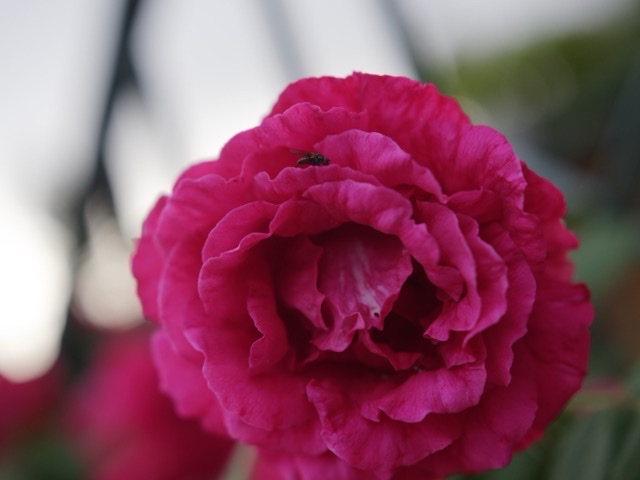
original.jpg
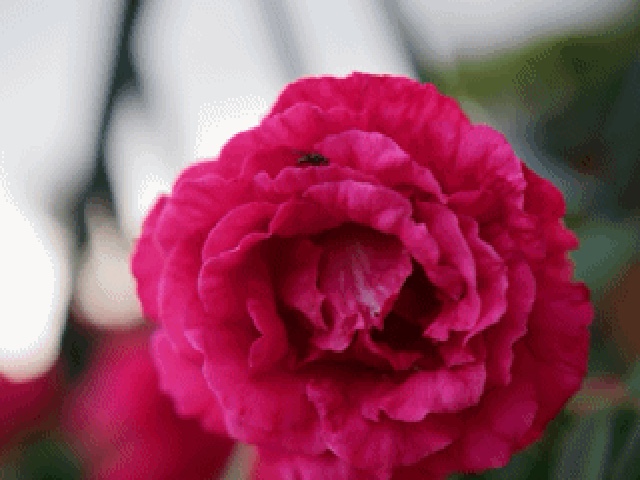
The original photo of a red rose

The original photo

Rose on the Apple II
Apple IIDouble Hi-Res, 16 colors
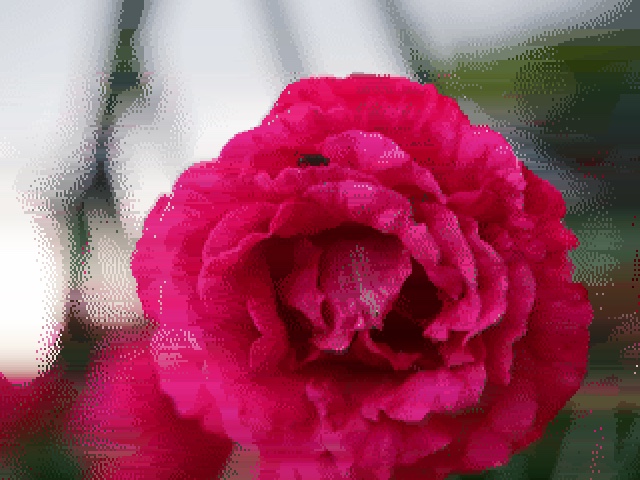
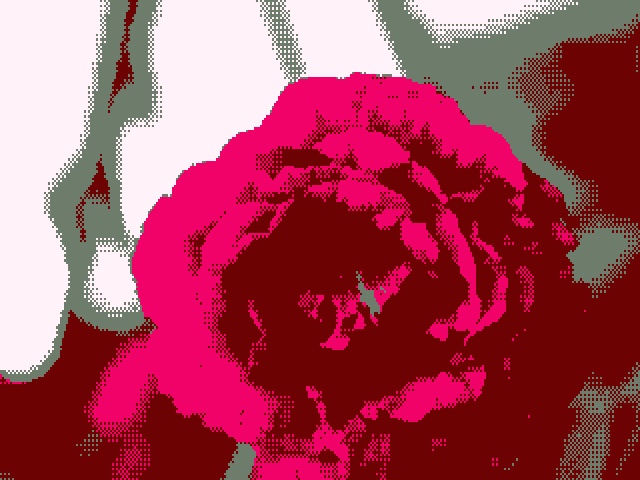
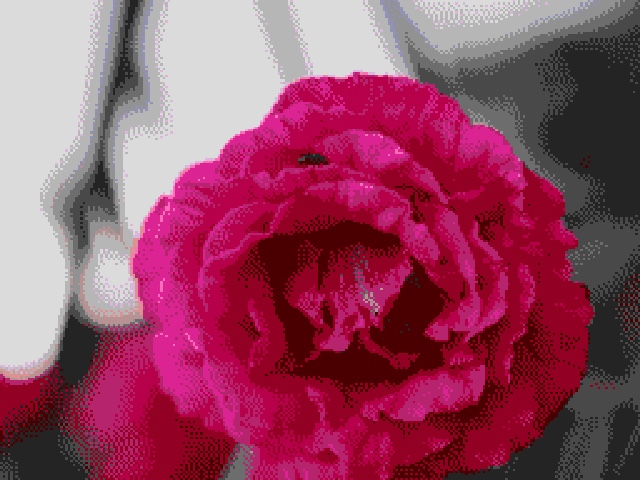
Rose on the Apple IIgs
Apple IIgs3200 colors, a palette per line
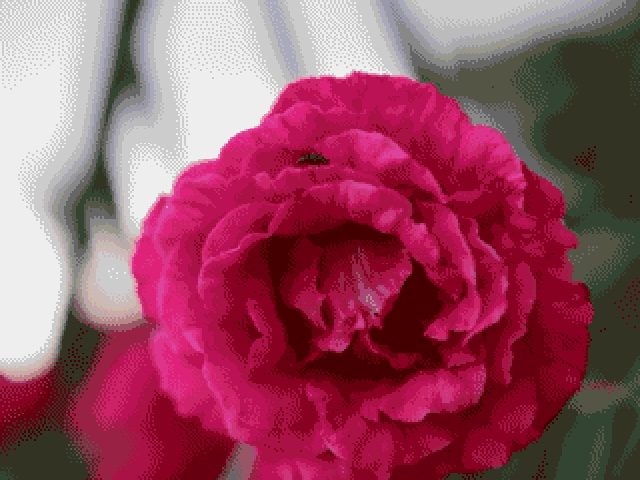
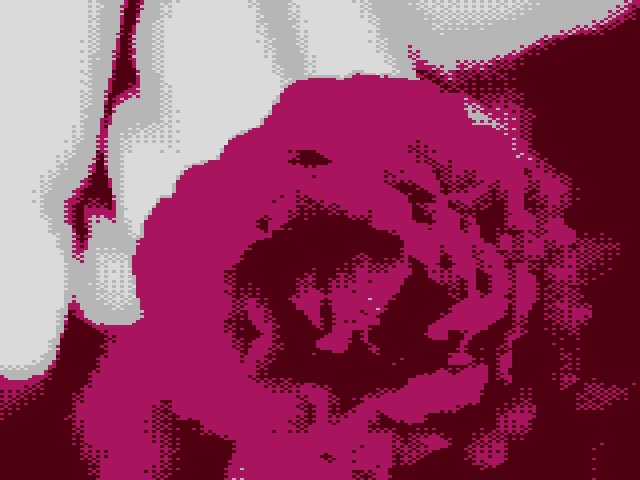
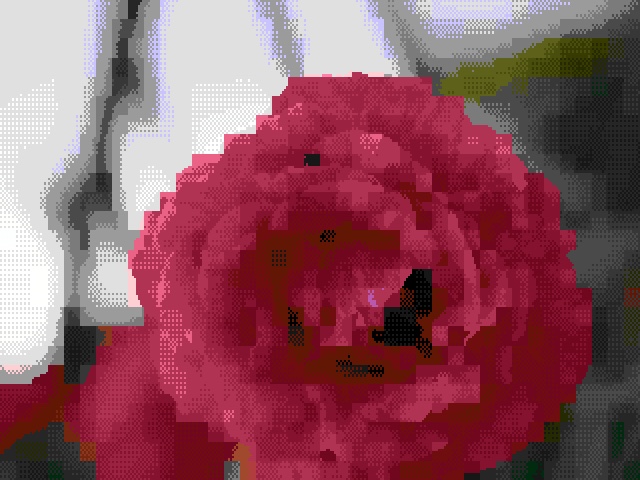
Rose on the Amiga 500
Amiga 50032 of 4096 colors
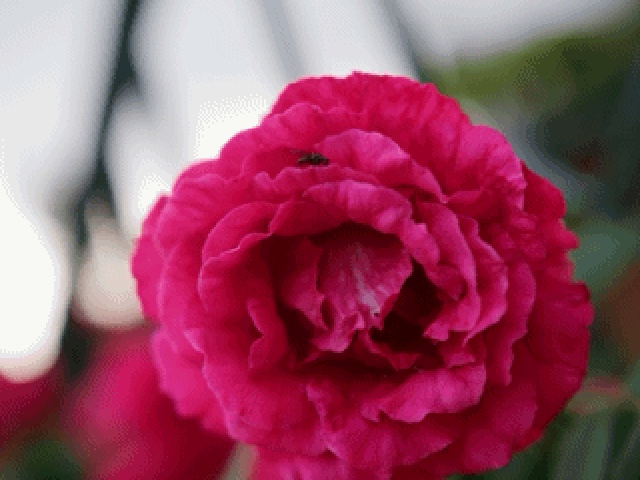
Rose on the Amiga 1200
Amiga 1200256 colors (AGA)
Rose on the Amstrad CPC
Amstrad CPCMode 1, 4 of 27 colors
Rose on the Atari 800
Atari 800Graphics 15, 4 of 128 colors
Rose on the Atari ST
Atari STLow Res, 16 of 512 colors
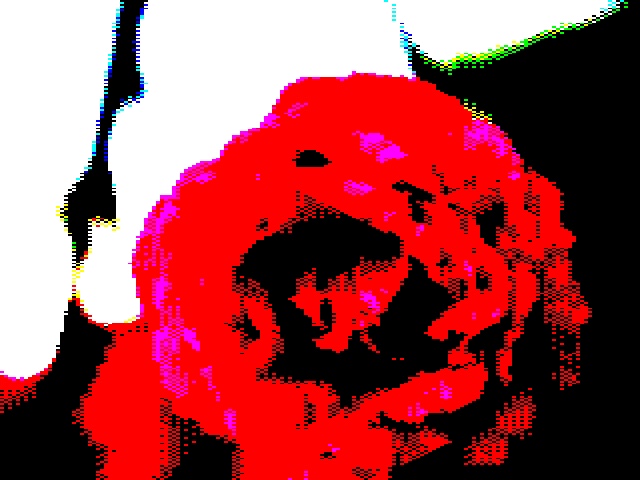
Rose on the BBC Micro
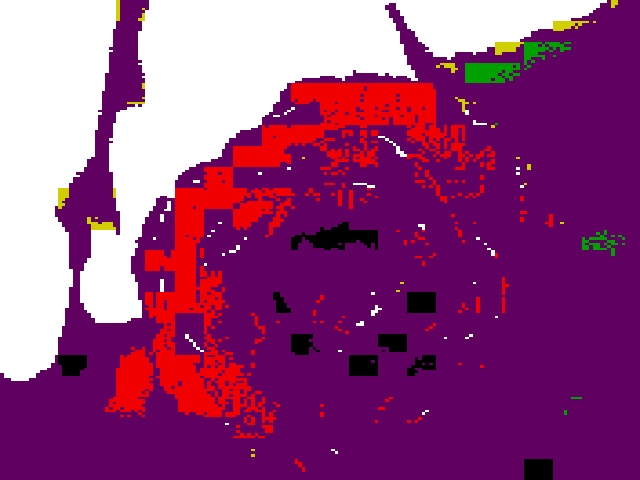
BBC MicroMode 2, 8 colors
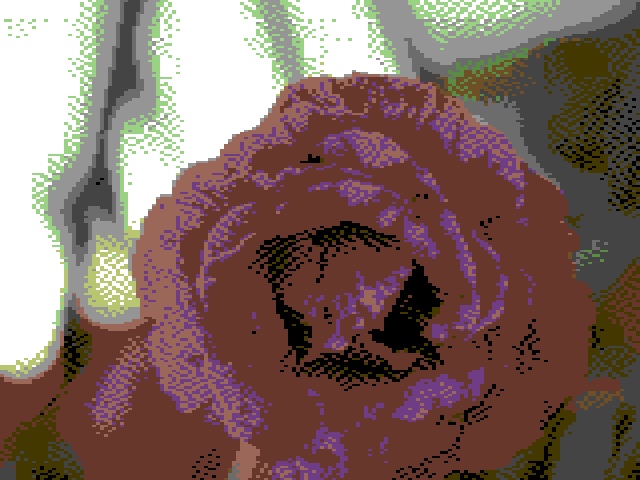
Rose on the Commodore 64
Commodore 64Multicolor, 16 colors
Rose on the MSX2
MSX2Screen 5, 16 of 512 colors
Rose on the IBM PC
IBM PCVGA, 256 colors
Rose on the Commodore Plus/4
Plus/4Hi-Res, 121-color TED palette
Rose on the TRS-80 Color Computer
TRS-80 CoCoPMODE 3, fixed 4-color set
Rose on the VIC-20
VIC-20Hi-Res, custom characters
Rose on the ZX Spectrum
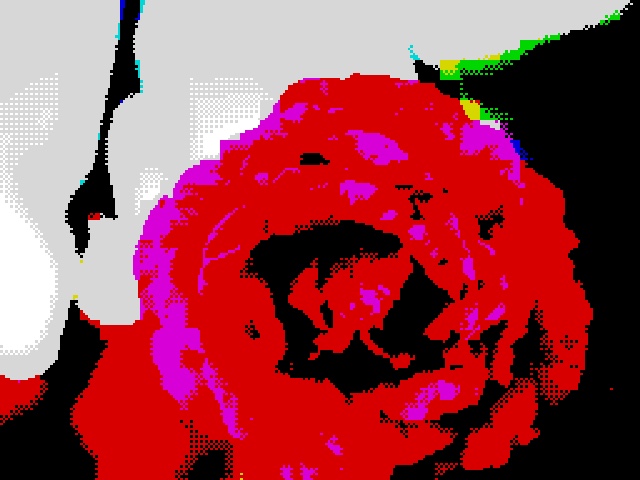
ZX Spectrum2 colors per 8x8 cell

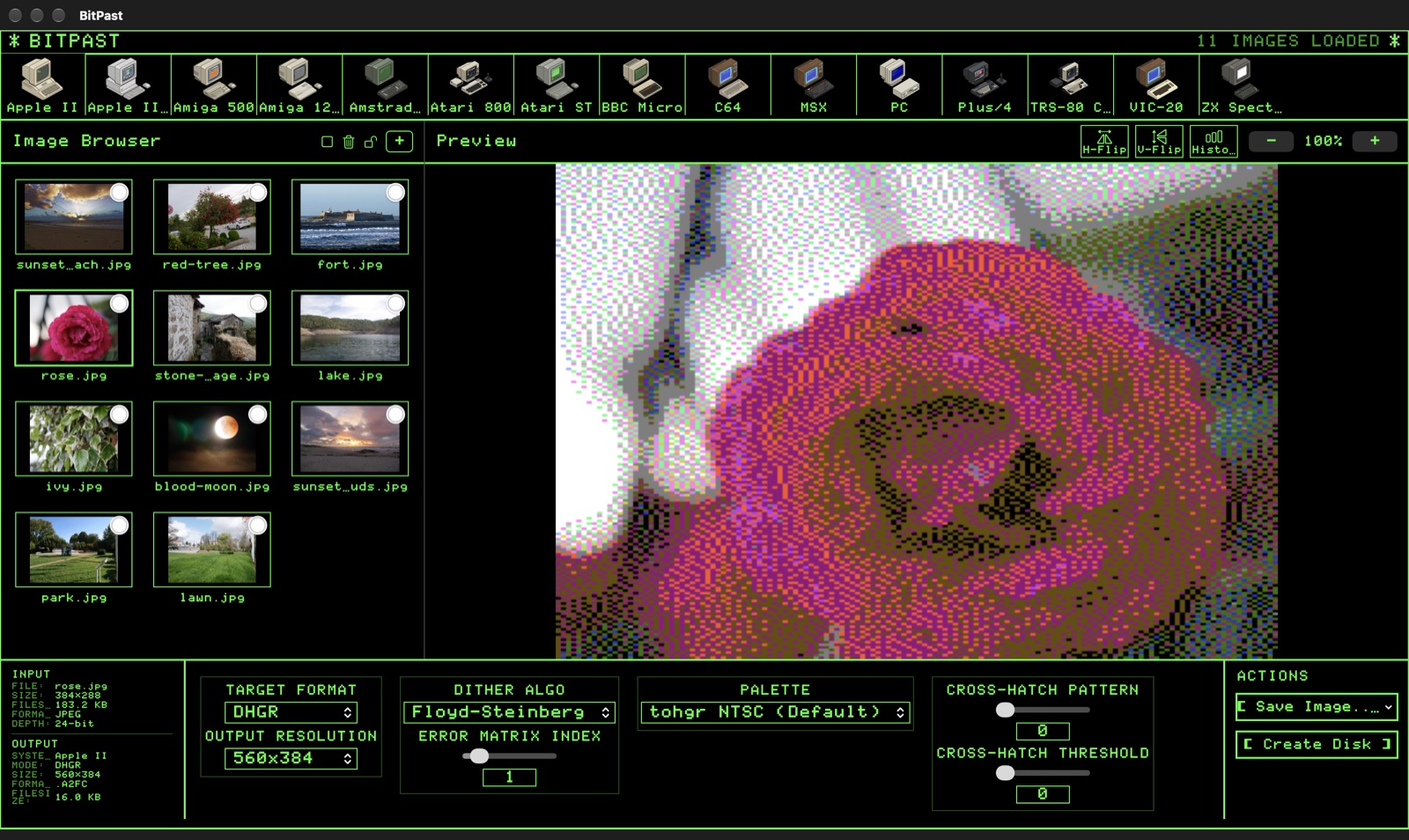
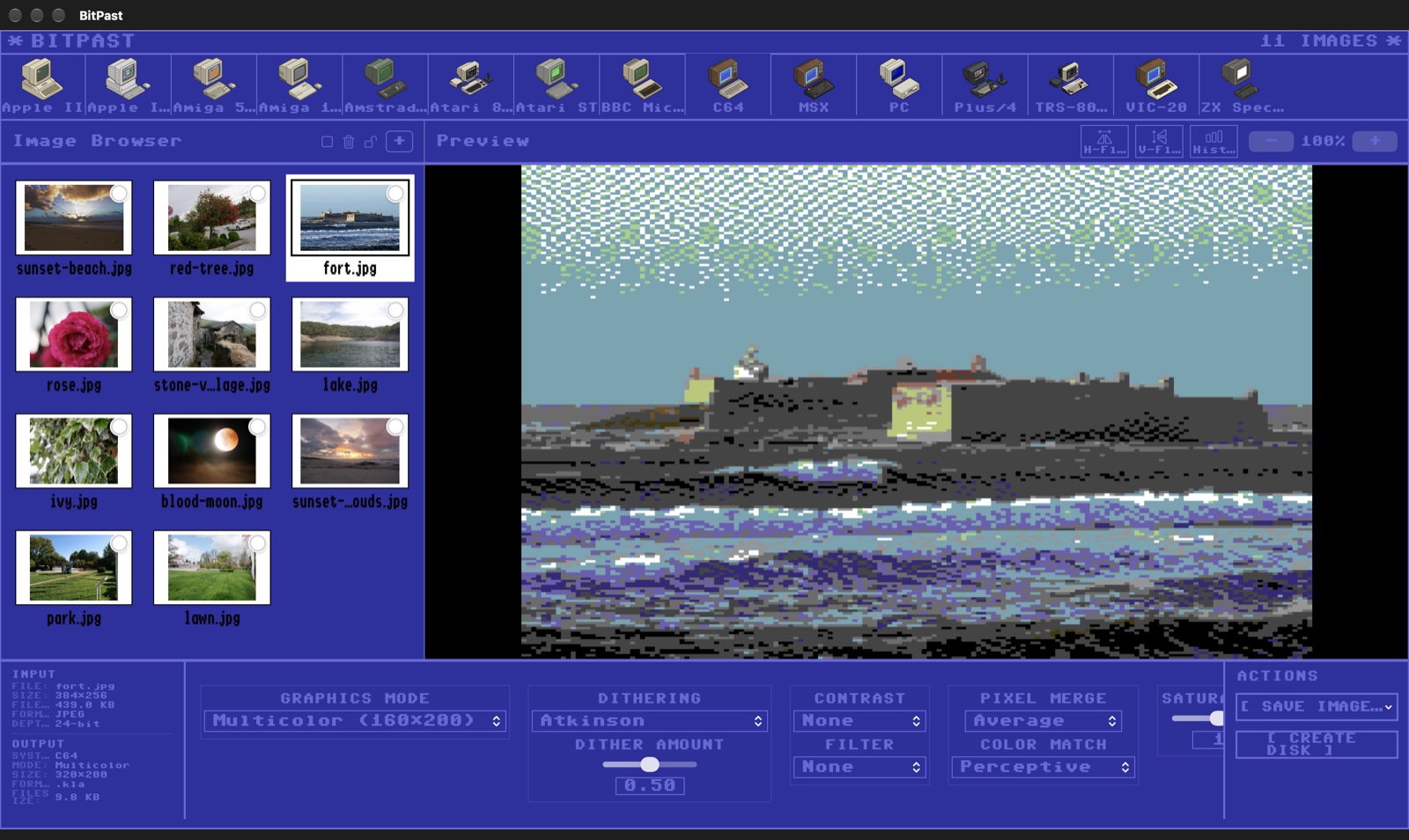
Screenshots

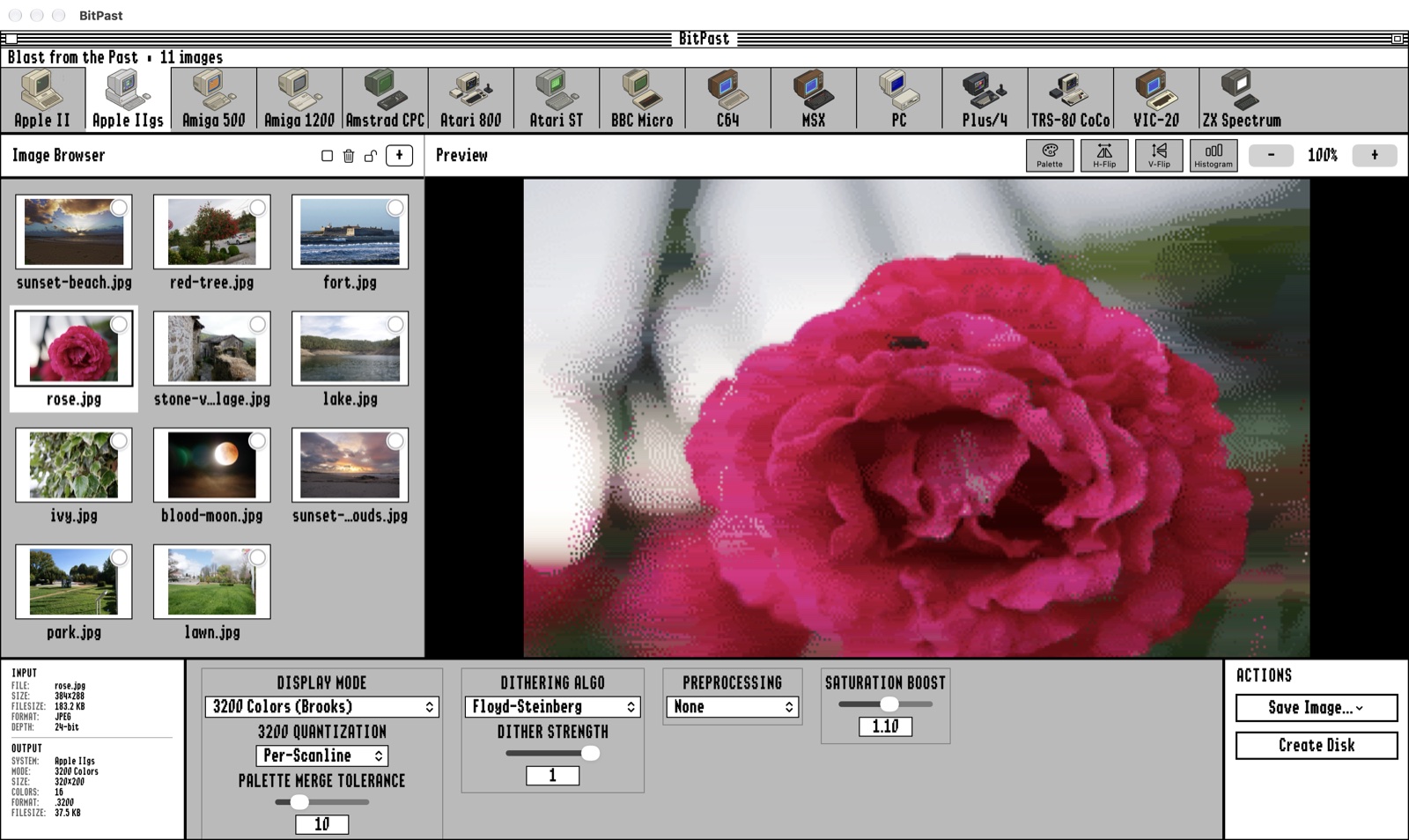
Drop in your pictures, pick a machine, tune the look - and pick a theme that matches.
Features

Everything you need to create authentic retro graphics.

🖥️

15 Classic Computers

Apple II and IIgs, Amiga 500 and 1200, Amstrad CPC, Atari 800 and ST, BBC Micro, C64, MSX, IBM PC, Plus/4, TRS-80 CoCo, VIC-20 and ZX Spectrum.

🌈

Real Palettes and Modes

Each machine's own colors, resolutions and limits - from Apple IIgs 3200 colors and Amiga HAM to Spectrum attribute cells and C64 multicolor.

🎯

Smart Color Selection

Colors are chosen to cover the whole picture, so small details keep their color even when a machine can only show a handful.

🖼️

Fit and Aspect

Stretch, letterbox, crop or keep the original size - and allow for each machine's non-square pixels so circles stay round.

⚙️

Fine-Tuning

15+ dithering algorithms, HE, CLAHE and SWAHE contrast, filters, color matching modes, saturation and gamma - with live preview.

💾

Native Files and Disks

Save .SHR, .3200, .IFF, .PI1, .KLA, .ART, .PRG, .SCR, .PCX, .SC5 and more, and put them on disk images for every machine.

🎨

Palette Editor

Edit the palettes of Apple IIgs pictures line by line, copy and paste palettes, with full undo and redo. Your changes go into the saved file.

📦

Batch Conversion

Drag in many pictures at once, lock settings per picture, and export them all - or straight onto a disk.

📺

Retro Themes

Work in the GS/OS look, Apple II green phosphor or Commodore 64 blue - or a clean modern interface.

Supported Systems

Modes and native file formats for every machine.

apple ii / iigs
  • Apple II: Double Hi-Res, Hi-Res, Lo-Res and Double Lo-Res (.BIN)
  • Apple IIgs: 3200 colors, 256 colors with Banded or Per-Line palettes, 320 and 640 modes (.SHR, .3200)
commodore
  • C64: Hi-Res, Multicolor and PETSCII (.ART, .KLA, .PRG)
  • VIC-20: Hi-Res and Low-Res (.PRG)
  • Plus/4: Hi-Res and Multicolor (.PRG)
amiga
  • Amiga 500: OCS/ECS up to 32 colors and HAM6 (.IFF)
  • Amiga 1200: AGA 256 colors and HAM8 (.IFF)
atari
  • Atari 800: Graphics 8, 9, 10, 11 and 15 (.GR8 to .GR15)
  • Atari ST: 16 of 512 colors, Low and High Res (.PI1 Degas)
british micros
  • ZX Spectrum: 256x192 with attribute cells (.SCR)
  • BBC Micro: Modes 0, 1, 2, 4 and 5
  • Amstrad CPC: Mode 0 and Mode 1 (.SCR)
pc / msx / coco
  • IBM PC: CGA, EGA, VGA and ANSI text modes (.PCX, .ANS)
  • MSX / MSX2: Screen 2, 5 and 8 (.SC2, .SC5, .SC8)
  • TRS-80 CoCo: PMODE 1-4 and CoCo 3 (.BIN, .CM3)

Disk Images

Create disk images for every supported machine.

disk_formats
ExtensionMachineSizes
.po .2mg .hdvApple II / IIgs (ProDOS)140 KB, 800 KB, 32 MB
.d64 .d71 .d81C64, VIC-20, Plus/4170 KB, 340 KB, 800 KB
.adfAmiga 500 / 1200880 KB, 1.76 MB
.atrAtari 800 (DOS 2 / 2.5)90 KB, 130 KB, 180 KB, 360 KB
.stAtari ST360 KB, 720 KB, 1.44 MB
.ssd .dsdBBC Micro (DFS)100 KB, 200 KB, 400 KB
.dskMSX360 KB, 720 KB
.dskAmstrad CPC180 KB, 360 KB
.trd .dskZX Spectrum (TR-DOS, +3)640 KB, 180 KB
.imgIBM PC360 KB, 720 KB, 1.2 MB, 1.44 MB
.dskTRS-80 CoCo (RS-DOS)180 KB, 360 KB

Get BitPast

Get it ready to run on the Mac App Store. Buying it is also a way to say thank you for my work - it makes me very happy and keeps the app growing.

macOS 15.7 or later Apple Silicon or Intel Mac See also Retro Graphics Converter - view and convert original retro pictures