
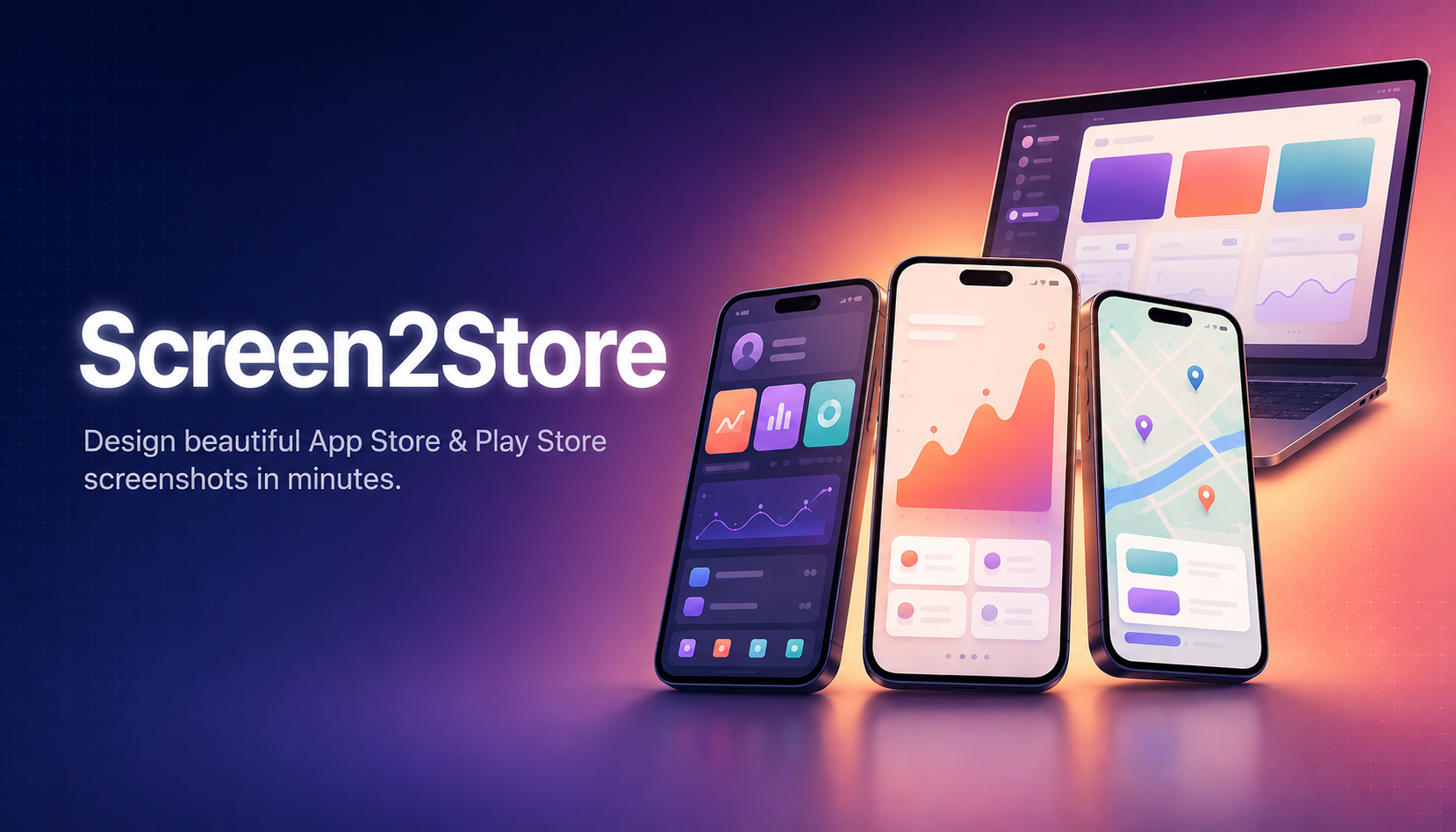
Two stores. Eighteen exact pixel sizes. Out of the box.
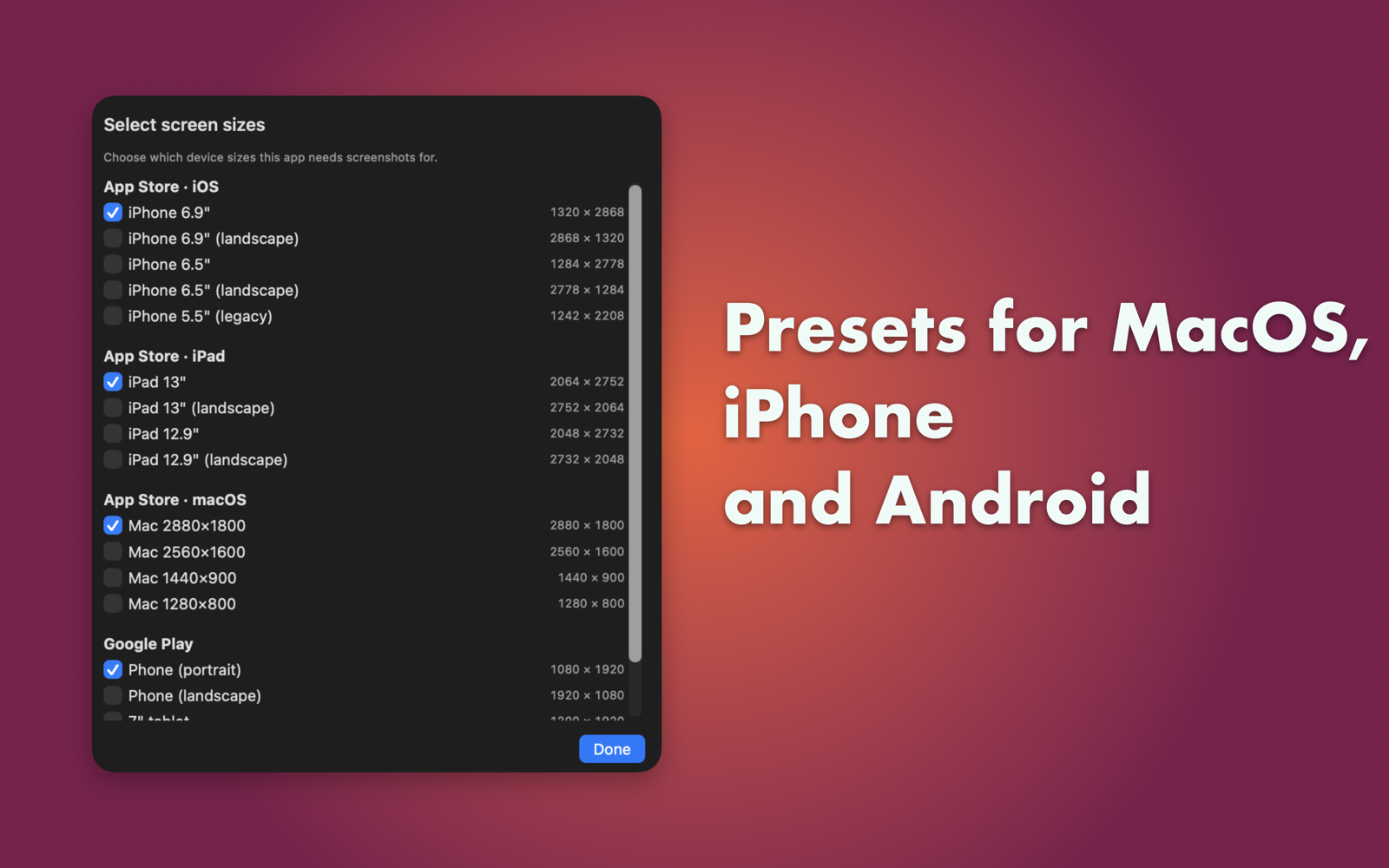
Screen2Store ships with the full catalogue of screenshot dimensions Apple and Google currently require. Pick the ones your app needs — the rest stay out of your way.
iPhone, iPad & Mac
Every current Connect-required size, both portrait and landscape where applicable.
Phone, tablet & feature graphic
Phone, 7-inch and 10-inch tablet sizes plus the 1024×500 feature graphic, ready to upload.
A full screenshot studio. Nothing extra.
Drag-drop import, painterly backgrounds, typography you actually want to use, and per-app presets you apply across every locale with one click.
Drop. Render. Ship.
Drop any PNG, JPG or HEIC onto the canvas — Screen2Store composites it onto the background instantly, at the exact target resolution. Drag the screenshot anywhere; centre snap-guides keep it perfectly aligned.
Backgrounds, three ways
Solid colours, two-stop gradients (twelve curated presets), or images. Pick from the macOS system wallpapers built in, or import your own.
Real typography
Full system font picker, weight, color, alignment, line spacing, drop shadow. Text positions itself above, below or as overlay.
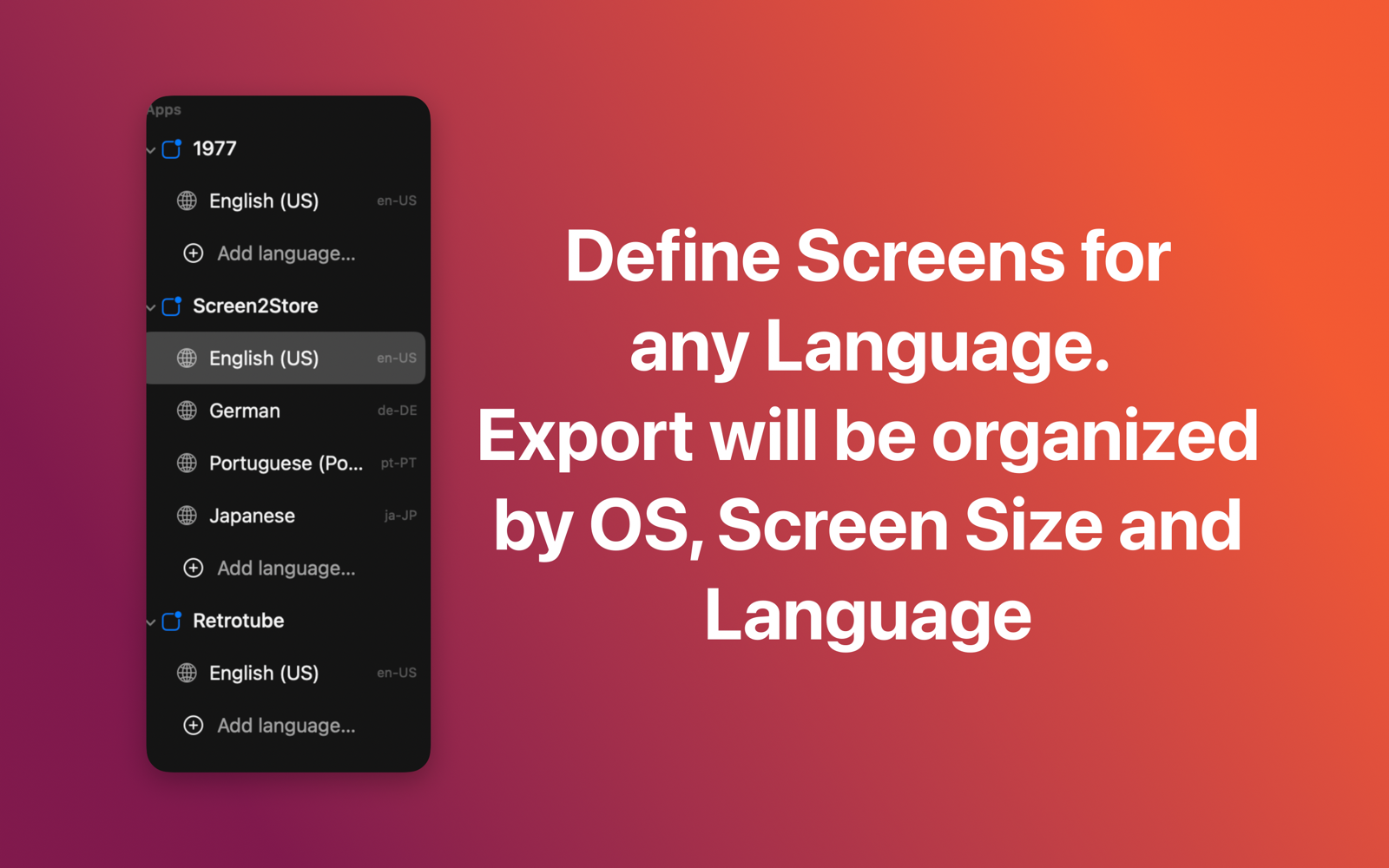
Every language
Add as many locales as you ship. Each locale gets its own caption per slot — switch in the sidebar, edit, export. Folders organised en-US/, de-DE/…
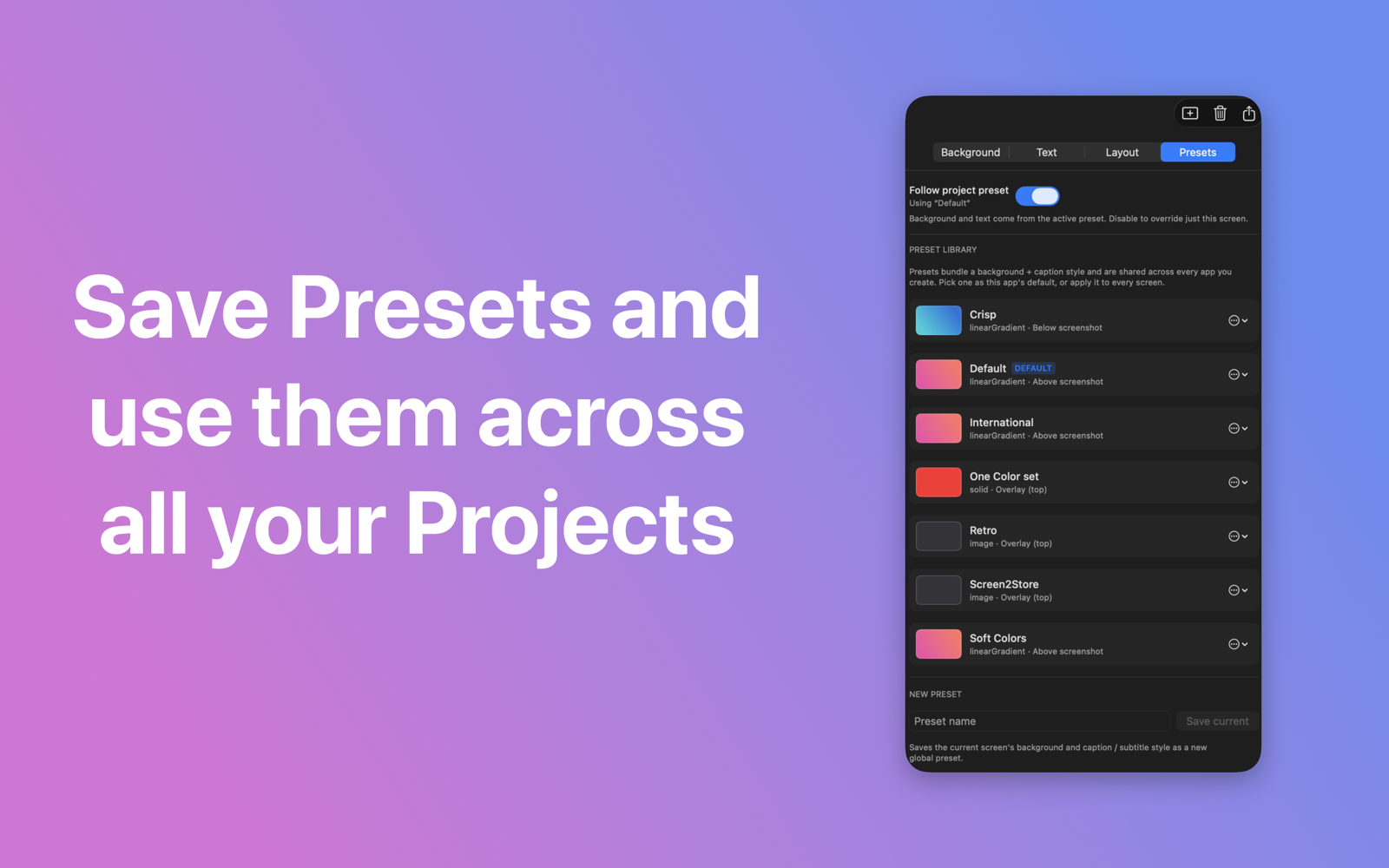
Save as preset
Background plus type style equals one preset. Apply it to every screen of an app, or override on a single slot when you need to.
Pixel-perfect export
Pick a folder. Screen2Store writes <App>/<locale>/<store>/<device>/NN.png — every PNG at exactly the size that store requires, ready to drag straight into App Store Connect or Play Console.
One library, many apps
Add as many apps as you maintain. Each one keeps its own enabled device sizes, locales, presets and screen slots. Switch between them from the sidebar.
See the studio in action.
A real macOS app: native sidebar, glass toolbar, drag-drop everywhere. Every screen below was made with Screen2Store itself.
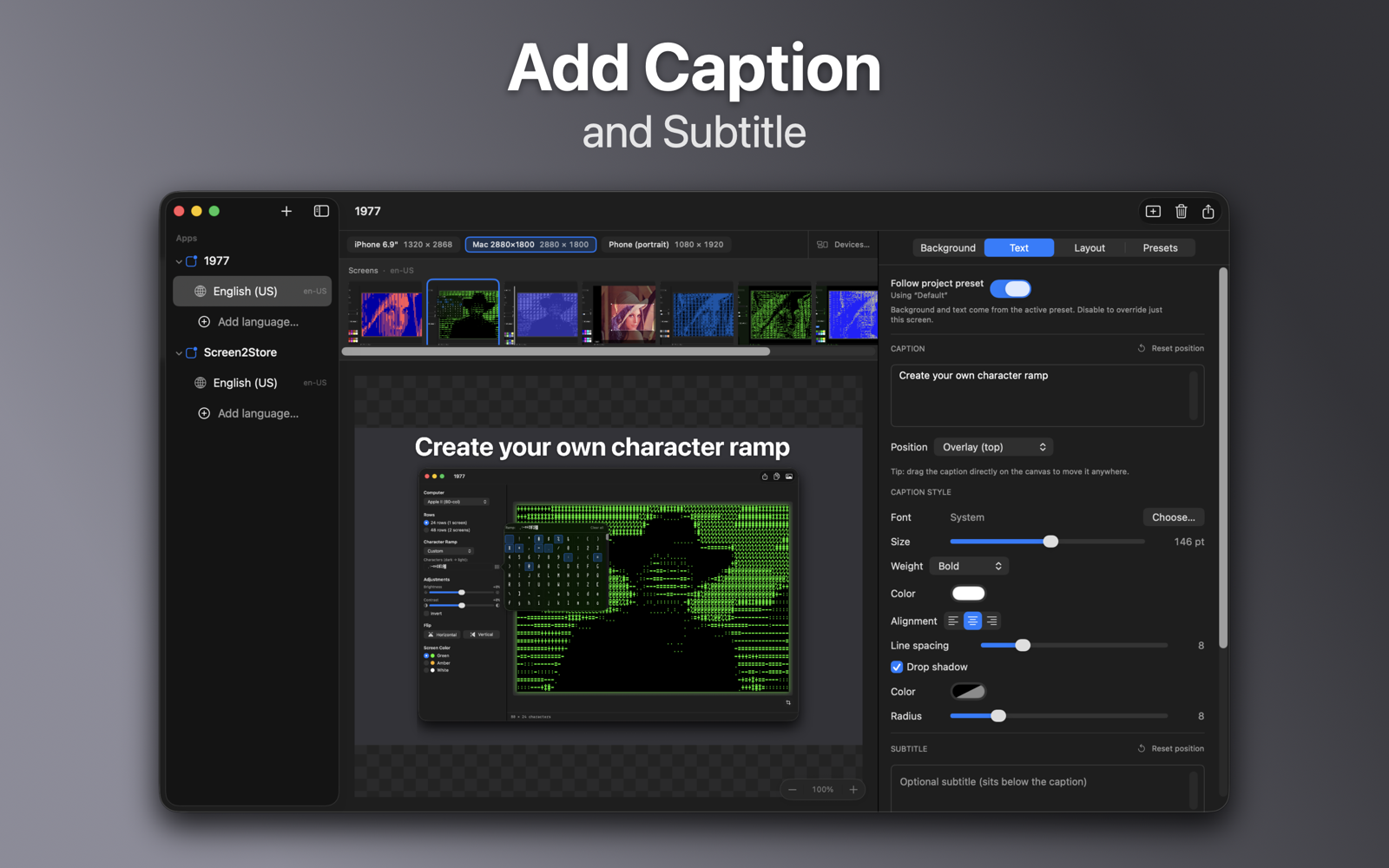
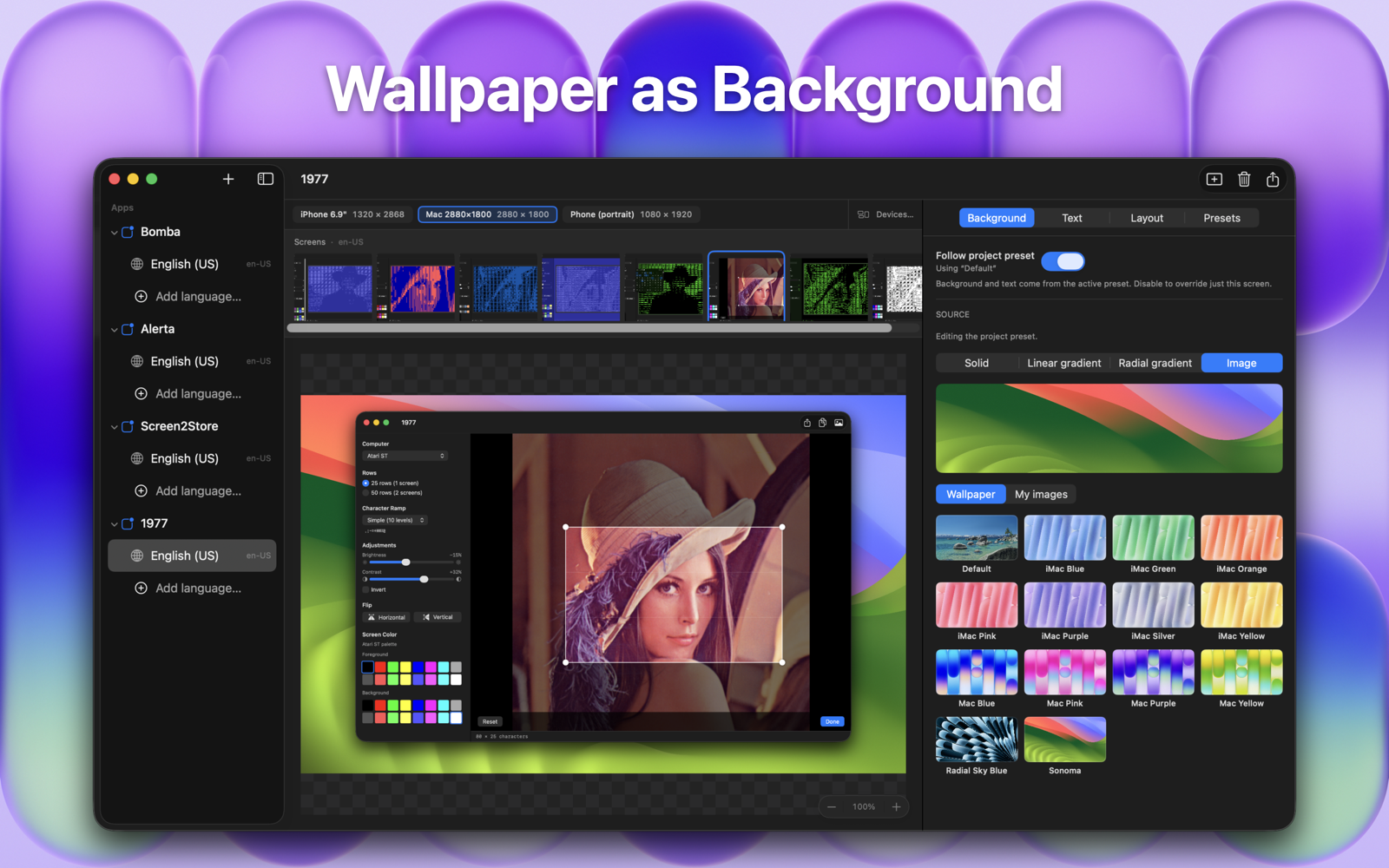
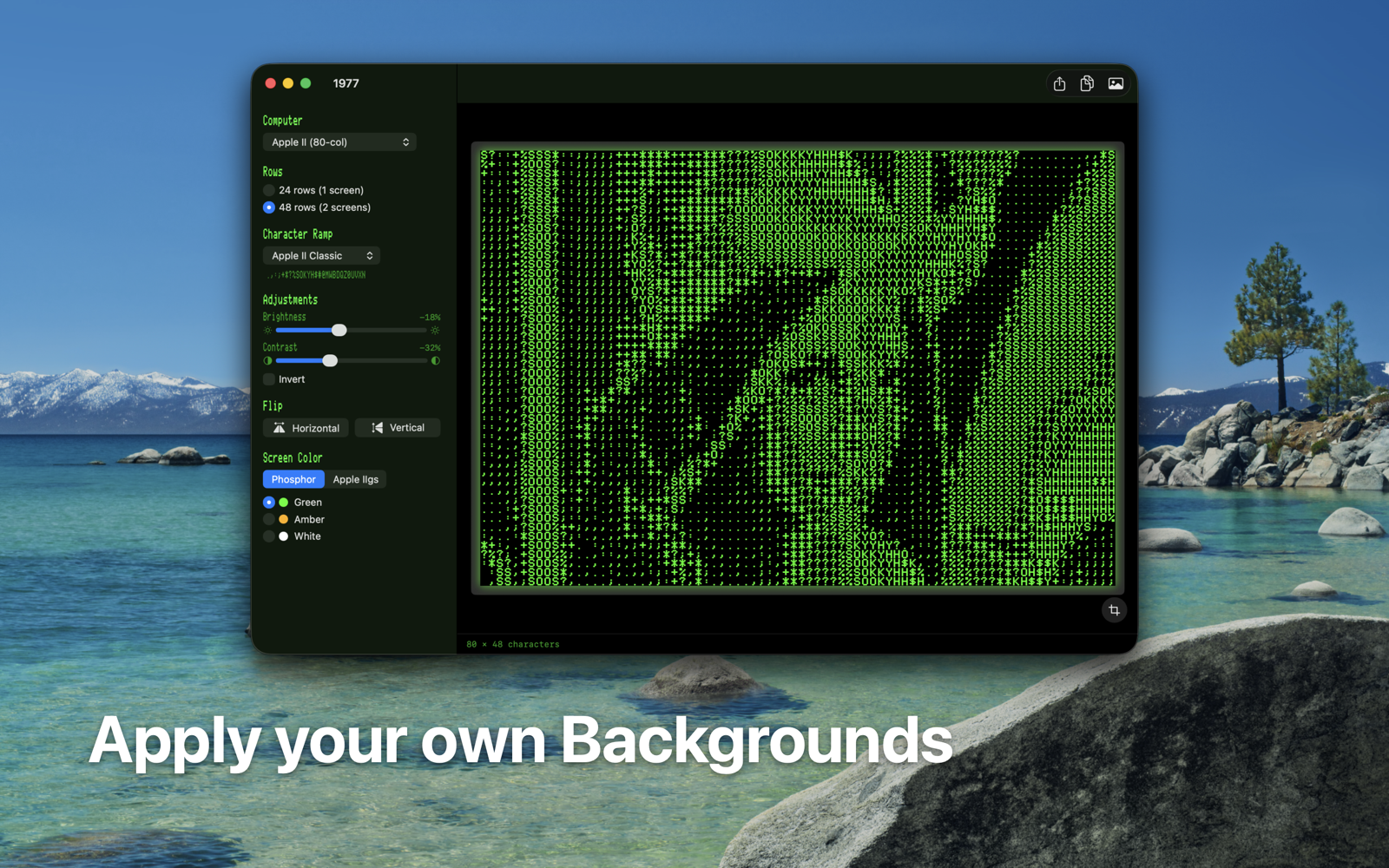
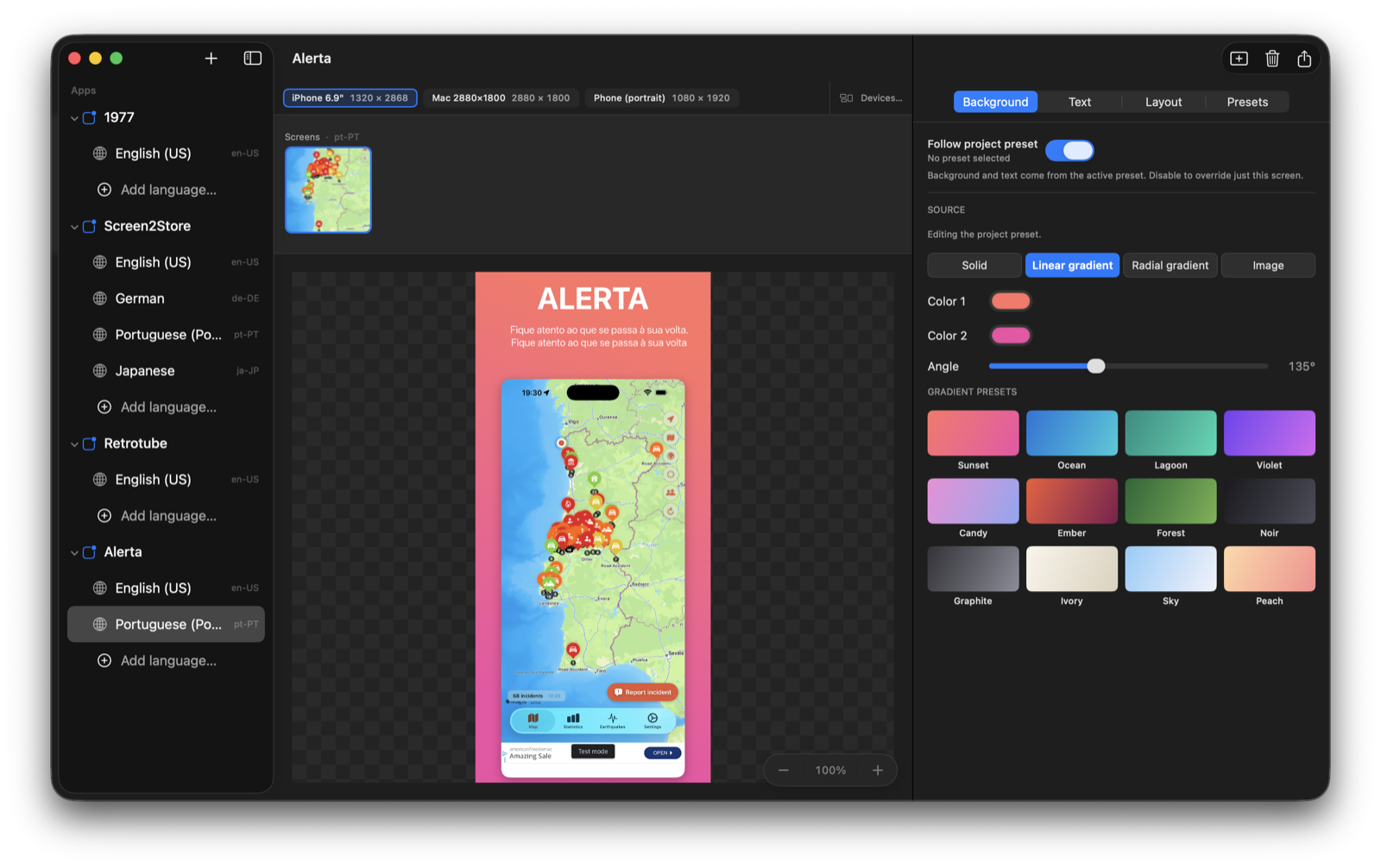
Add an app. Drop screenshots. Export.
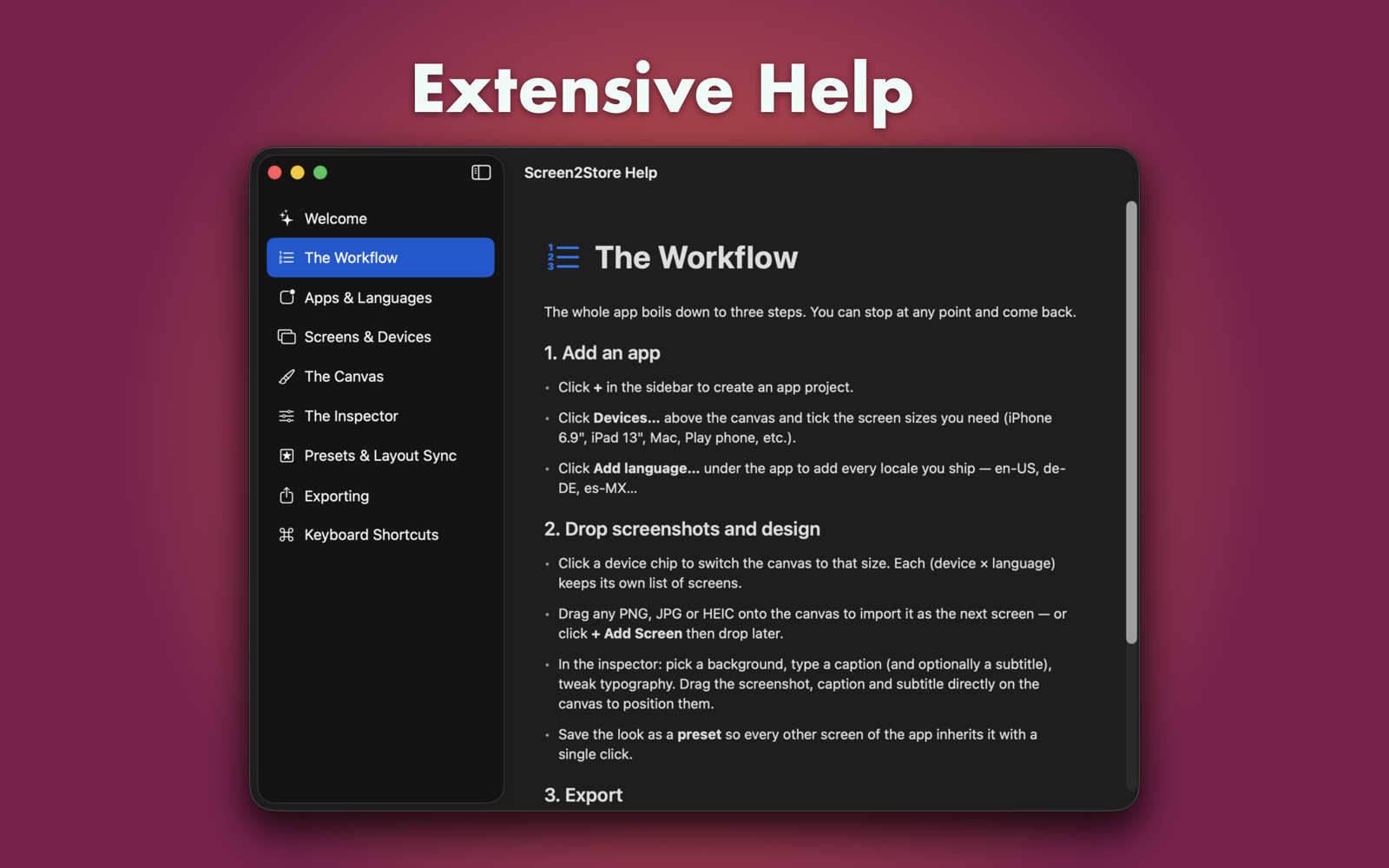
No subscriptions, no template marketplace, no learning curve. Three steps you can stop at any time.
Add your app
Click + Add App in the sidebar. Pick which device sizes you need from the Devices… picker — iPhone, iPad, Mac, Play phone, Play tablet, feature graphic.
Drop & design
Drag your raw screenshots onto the canvas. Set the background, type a caption, choose your font. Save the combination as a preset and apply it to every screen with one click.
Export
Hit Export, pick a folder. PNGs land in tidy per-locale, per-device subfolders at the exact pixel size each store wants — ready to upload.
Runs on modern Macs.
Questions, bug reports, feature ideas?
Email me directly. I read everything and usually reply within a day.
walter.tengler@gmail.comDisclaimer. Screen2Store generates marketing PNGs entirely on your Mac — nothing is uploaded to any server, and the app does not interact with App Store Connect or Google Play directly. Apple and Google may change their screenshot dimensions, file-format requirements or upload policies at any time; the bundled size catalogue reflects requirements at the time of release and may need to be reviewed before submission. Screen2Store is provided as is without warranty of any kind; the author accepts no liability for store rejections, lost work, or any other damages resulting from use of this software. Full terms in the imprint.