GS Remap
GS Remap
An Apple IIgs picture converter for the Mac.
Load a picture from almost any computer of the 1980s, or a photo from today, and turn it into Apple IIgs Super Hi-Res. It works the way a IIgs program does, and it looks like one too.
Desktop
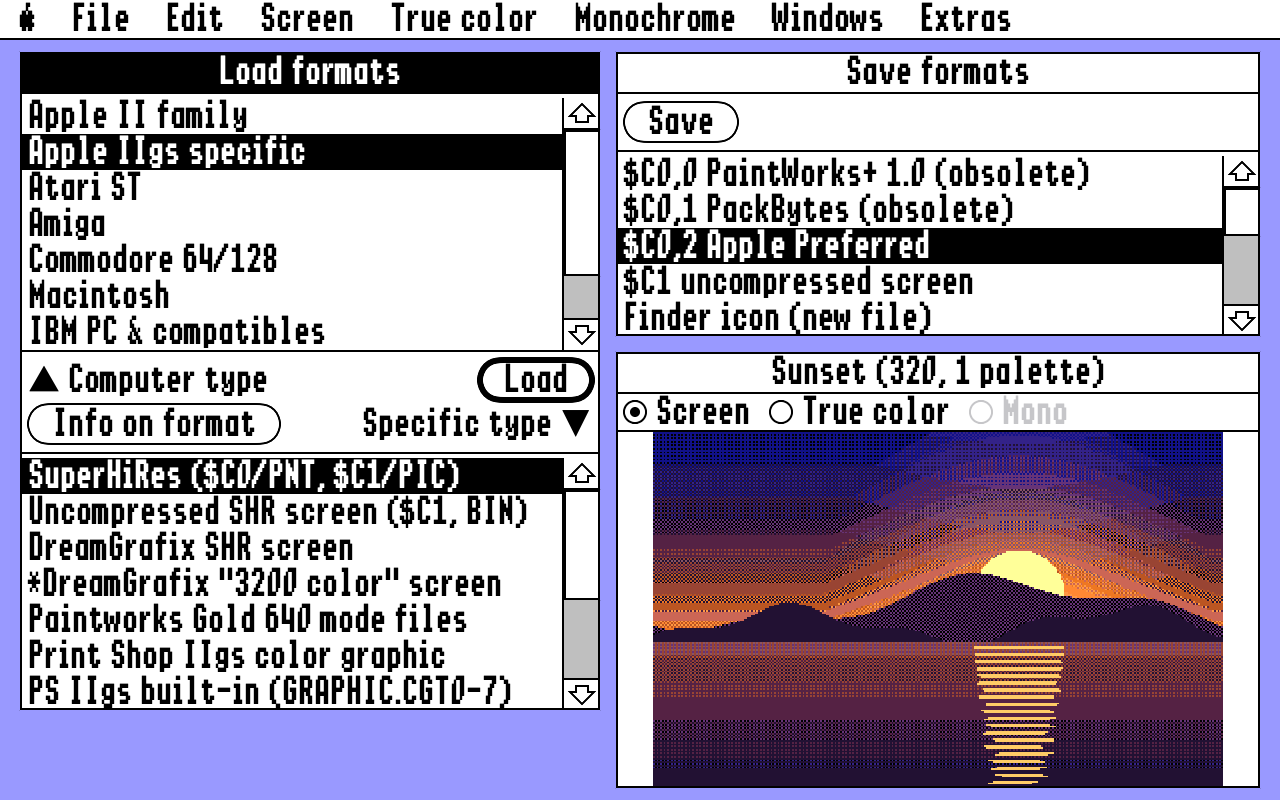
Pick a computer and a format on the left, press Load, and the picture appears in the Image window. Pick a format on the right and press Save.
What it does
- Loads more than 50 picture formats
- Remaps to 320 mode, 640 mode, 640 dither mode or multipalette
- Calculates the best palette for each picture
- Pattern dither and error diffusion
- Ten true color filters
- Black & white images with halftone
- Saves files a real IIgs can open
Remap
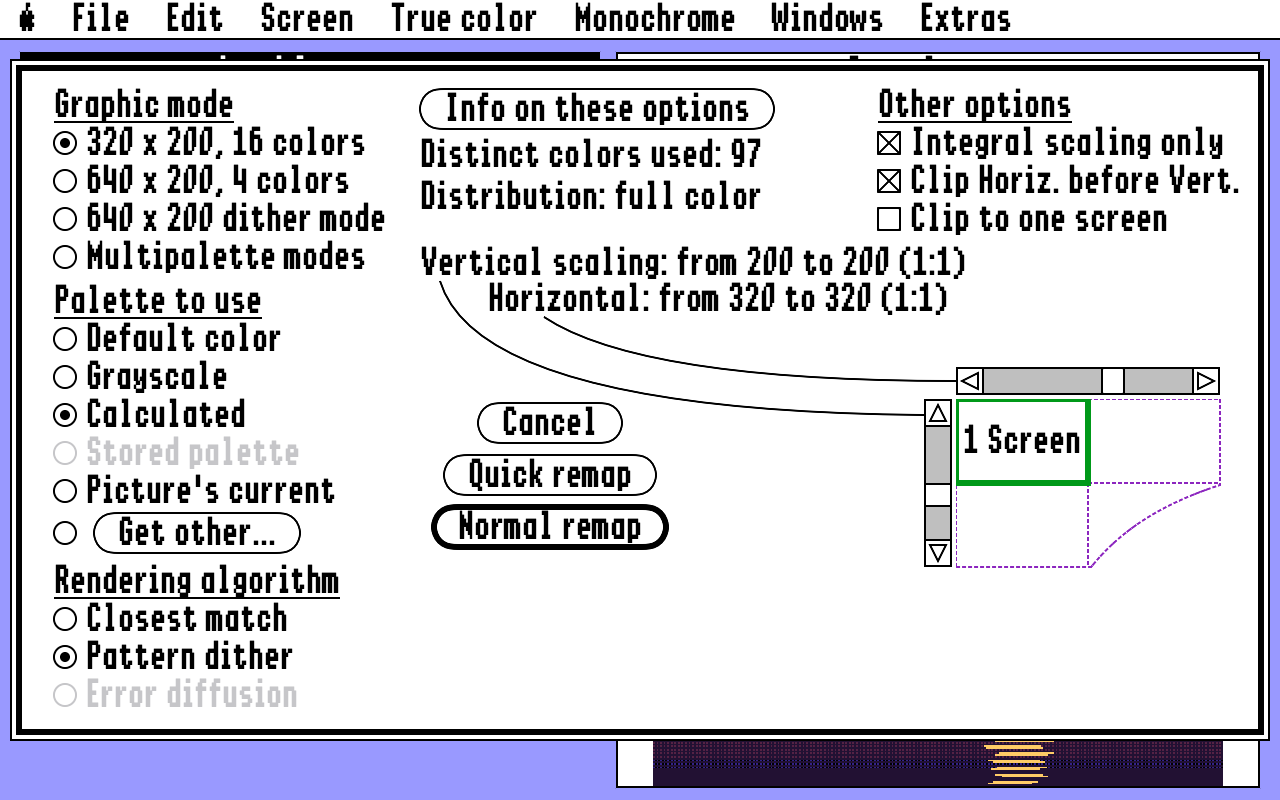
Choose the graphic mode, the palette and the rendering. The diagram shows how large the result is against a grid of screens.
640 dither mode
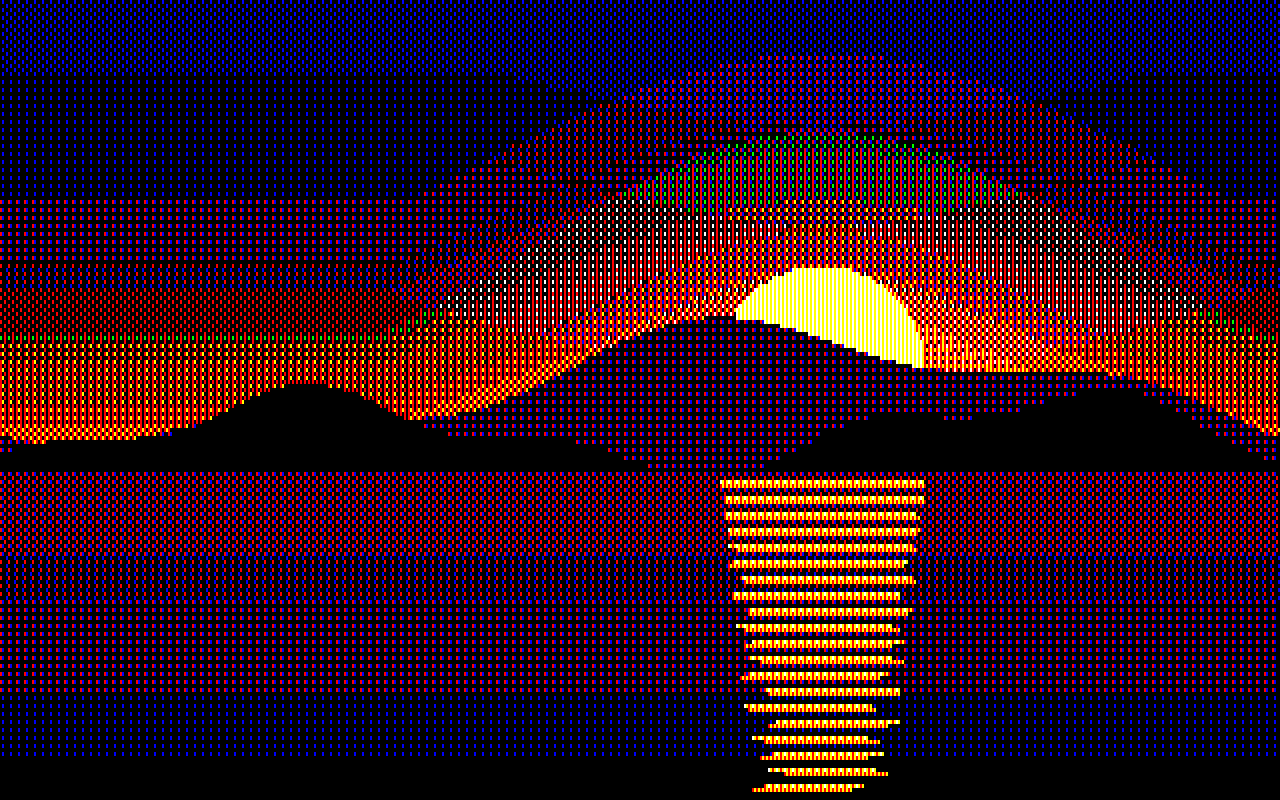
A sunset in 640 x 200 dither mode with the standard palette: eight colors, used the way IIgs desktop programs use them.
Filters
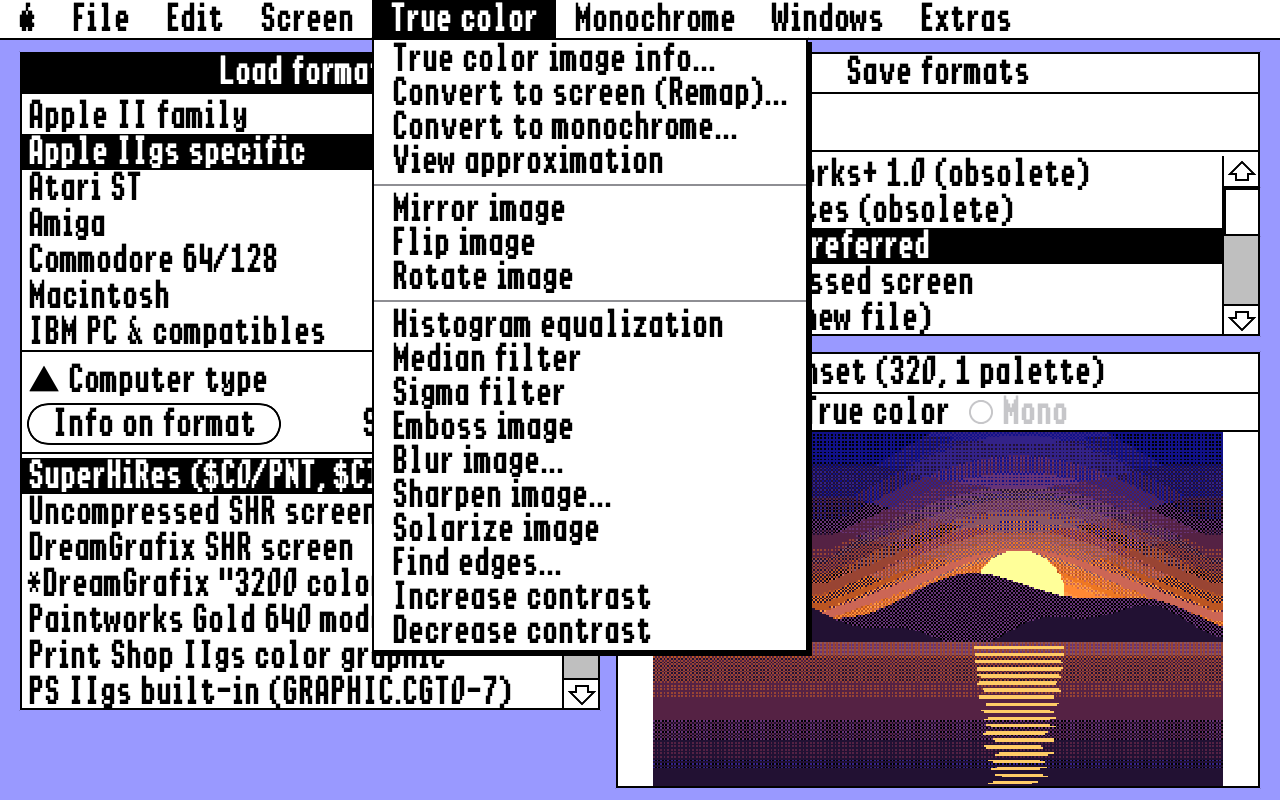
Equalize, median, emboss, blur, sharpen, solarize, find edges and contrast, plus mirror, flip and rotate.
Monochrome
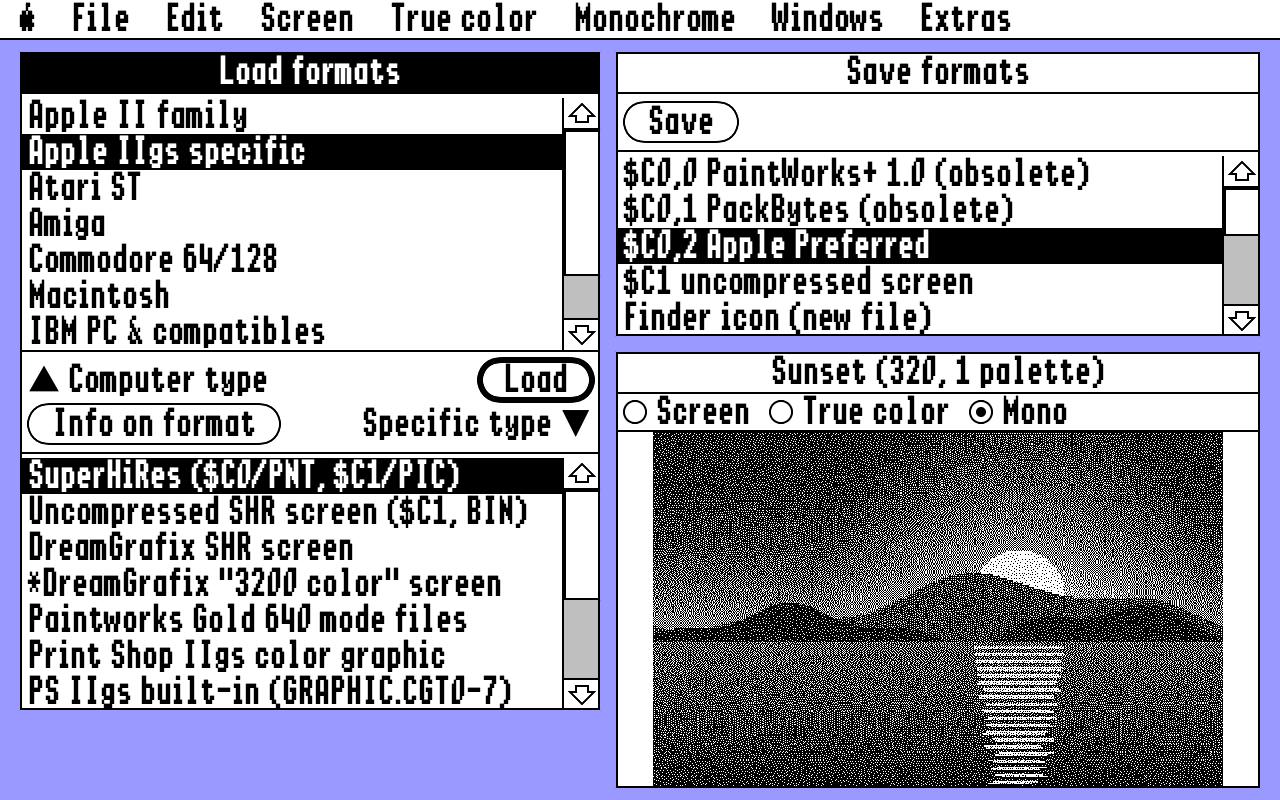
One bit per pixel, with error diffusion, pattern dither, halftone or a plain threshold.
Load formats
- Apple II family
- Apple IIgs specific
- Atari ST
- Amiga
- Commodore 64/128
- Macintosh
- IBM PC & compatibles
- Unix machines
- Computer-independent
Apple II: HiRes, Double HiRes, Print Shop, ThunderScan, text screens. Apple IIgs: Super Hi-Res in every common variant, Apple Preferred, 3200 color, DreamGrafix, Paintworks Gold, Print Shop IIgs, Finder icons, AST and ComputerEyes. Atari ST: Degas, Degas Elite, Neochrome, Tiny, Spectrum 512. Amiga: IFF with HAM and HalfBrite. C64: Doodle, Koala, Print Shop. Macintosh: MacPaint, ScreenMaker. PC: BMP, PCX, GEM IMG, DeluxePaint. Unix: Sun, SGI, PBM, PGM, PPM. And JPEG, PNG, GIF, TIFF, CompuServe RLE, IPI and QRT.
Save formats
- $C0,0 PaintWorks
- $C0,1 PackBytes
- $C0,2 Apple Preferred
- $C1 uncompressed screen
- Finder icon
- Icon resource
- Hex data
- GIF, PNG, TIFF
Apple IIgs files are saved with a suffix such as #C00002, so CiderPress and cadius give them the right ProDOS file type when you copy them to a disk image.
Download
Version 1.0.1 for macOS 13 or later, Apple Silicon and Intel. Free and open source under the MIT license.
The download is not notarized. The first time, macOS will not open it with a double-click: try once, then go to System Settings, Privacy & Security, and click Open Anyway.
A Mac App Store version is planned.